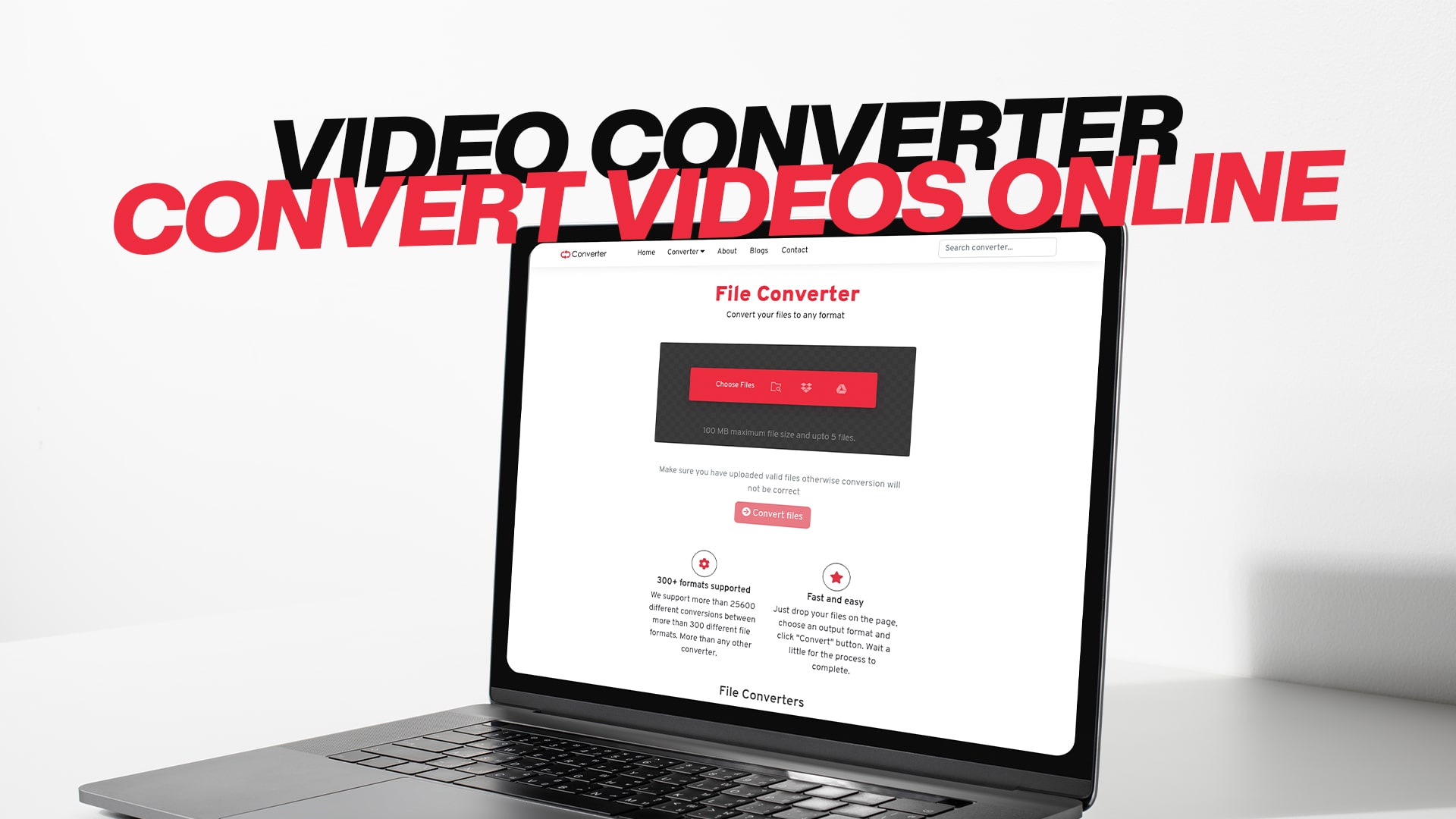
Video Converter | Convert Videos Online
Videos come in many different formats. Sometimes you have a video file that does not work with your device or application. This is where a video converter becomes very important. A video converter is a tool that takes your video file and changes it from one format to another. This process is called video conversion, and it is super easy when you use the right tool.
Have you ever downloaded a video and found out that your phone or computer cannot play it? This problem happens to many people every day. The video file might be in a format that your device does not support. Instead of getting frustrated, you can use an online video converter to fix this problem. An online video converter lets you convert video formats without installing any software on your computer.
Convertio is a free online platform that makes video conversion simple and quick. You do not need to be a tech expert to use it. The tool is made for regular people like you who just want to convert their videos easily. Whether you want to convert videos for social media, email, or just to make them work on your devices, Convertio can help you do it in just a few clicks.
Understanding Video Formats and Why They Matter
What Are Video Formats?
A video format is the way your video file is stored and organized. Think of it like different types of containers. Just like you can put water in a glass, a bottle, or a bucket, you can store video information in different formats. Each format has its own way of saving video information, and some devices only work with certain formats.
The most common video formats include MP4, AVI, MOV, FLV, WMV, and MKV. MP4 is the most popular format today because it works on almost all devices. AVI is an older format that some computers still use. MOV files are used by Apple products like iPhones and MacBooks. Each format has different qualities and uses.
Why Do You Need to Convert Videos?
There are many reasons why people need to convert videos. First, you might want to upload a video to social media, but your file is not in the right format. Facebook, YouTube, and Instagram all prefer MP4 videos. If your video is in a different format, you will need to convert it before uploading.
Second, you might have an old video that was recorded years ago in a format that modern devices no longer support. Converting this video to a newer format like MP4 lets you watch it on your phone or computer without any problems.
Third, you might want to make your video file smaller so it takes up less space on your device or loads faster on the internet. Different video formats have different file sizes. Converting to a compressed format can save you storage space and make sharing easier.
Fourth, you might need a specific format for a project you are working on. If you are making a movie, creating content for YouTube, or editing videos for work, you might need your videos in a particular format. Convertio helps you get your videos into the exact format you need.
How Online Video Conversion Works
The Basic Process
Converting a video online is straightforward. The process usually takes only three simple steps. First, you upload your video file to the converter. Second, you choose the format you want to convert it to. Third, you download your newly converted video file. That is all you need to do.
The reason online converters are so popular is that they do all the work for you. You do not need to install any special software or learn complicated steps. Everything happens on the website, so you just need your web browser and an internet connection.
Why Use Convertio for Video Conversion?
Convertio is a trusted platform that has helped millions of people convert their videos. The service is completely free, which means you do not have to pay any money to convert your videos. You can convert as many videos as you want without any hidden charges or surprise fees.
The platform supports many different video formats. Whether you need to convert to MP4, AVI, MOV, FLV, WMV, or MKV, Convertio can do it. You can also convert videos to other formats that you might not have heard of. The tool is very flexible and works with almost any video format you can think of.
Convertio is also very fast. Your videos are converted in minutes, not hours. The speed depends on the size of your video and the format you are converting it to, but Convertio is much faster than most other online converters.
Step-by-Step Guide to Converting Your Videos
Getting Started with Convertio
The first step is to go to the Convertio website. You do not need to create an account or log in. You can start converting videos right away as a guest. This makes the process very quick and easy.
Once you are on the website, you will see a big button or area where you can upload your video file. You can click on this area and choose a video file from your computer. Convertio also lets you upload videos from cloud storage services like Google Drive or Dropbox if you want.
Selecting Your Video Format
After you upload your video, the next step is to choose what format you want to convert it to. Convertio will show you many different format options. You simply click on the format you want, and the tool will remember your choice.
If you are not sure what format to choose, Convertio has suggestions based on what you want to do with your video. If you want to upload to social media, it might suggest MP4. If you want to use it on an Apple device, it might suggest MOV. These suggestions make it easy to pick the right format.
Converting Your Video
After you select your format, you click the convert button and let Convertio do the work. The tool will process your video and convert it to the new format. During this time, you can do other things on your computer. Convertio will send you a notification when your video is ready to download.
The conversion time depends on several things. A small video might convert in just a few minutes. A large video might take longer. The format you are converting to also affects the time. Most conversions happen very quickly, though, so you usually do not have to wait very long.
Downloading Your New Video
When the conversion is complete, you can download your new video file right away. Convertio provides a download link that you click to get your file. The file will be saved to your computer in the location where you normally save downloaded files.
It is important to check that your new video plays properly on your device before deleting the original file. You want to make sure the conversion worked correctly and that the video looks and sounds good. Once you confirm that everything is fine, you can delete the old video file if you want to save space.
Different Ways to Use Video Conversion
Converting Videos for Social Media
Social media platforms like YouTube, Instagram, TikTok, and Facebook all have specific requirements for video files. Most of them prefer MP4 videos because MP4 is compatible with almost all devices and internet speeds. If your video is in a different format, it might not upload correctly or might take a very long time to upload.
Convertio makes it easy to convert your videos to MP4 before posting them on social media. You can have your video ready to post in just minutes. This is especially helpful if you create videos for business or if you want to share videos with large audiences online.
Saving Storage Space on Your Devices
If you have many videos on your computer or phone, they can take up a lot of storage space. Sometimes you run out of storage, and your device stops working properly. Converting your videos to a more compressed format can help save space.
A video converter like Convertio can reduce the file size of your videos while keeping the quality still good enough to watch. This means you can store more videos on your device without taking up as much space. It also makes it faster to send videos to friends through email or messaging apps.
Fixing Compatibility Problems
Sometimes you have a video file that will not play on a certain device or application. This might be because the device does not support the video format. Instead of being stuck with a video you cannot watch, you can convert it to a format that your device supports.
For example, you might have a video in MKV format that your old television cannot play. You can convert it to AVI or MP4, which most televisions support. Convertio helps you solve these compatibility problems quickly without any frustration.
Creating Videos for Different Purposes
Professional videographers and content creators often need videos in different formats for different purposes. You might need one version of your video for YouTube, another for your website, and another for offline viewing. Convertio makes it easy to create multiple versions of your video in different formats.
You can convert the same video multiple times to different formats without any extra cost. This is useful for businesses that need to share videos across different platforms and devices. Convertio handles all the conversions for you while you focus on your work.
The Advantages of Using Convertio
No Software Installation Required
One of the biggest advantages of using Convertio is that you do not need to install anything on your computer. Other video converters require you to download software, install it, and deal with complicated interfaces. Convertio works directly in your web browser, so all you need is internet access.
This is much safer for your computer, too. You do not have to worry about downloading software that might have viruses or take up valuable storage space. Convertio keeps everything on the internet, so your computer stays clean and runs smoothly.
It Is Completely Free
Convertio offers free video conversion for everyone. You do not have to pay any money to convert your videos. You do not have to sign up for a paid account or deal with trial periods that expire. Everything is free and unlimited.
Many other video converters charge money for their services or only let you convert a few videos for free. Convertio is different because it believes everyone should have access to free video conversion tools. This makes it the perfect choice if you are on a budget or just want to try video conversion without spending money.
Fast and Reliable Service
Convertio is known for being fast and reliable. The servers are very powerful and can process many videos at the same time. Your video conversions happen quickly, usually in minutes. The service is also very reliable, which means your conversions almost always work the first time.
The website is also available all the time, twenty-four hours a day, seven days a week. You can convert videos whenever you want, any time of day or night. Convertio has backup systems to make sure the service keeps working even if there are problems.
Support for Many Video Formats
Convertio supports more video formats than most other online converters. Whether your video is in a common format like MP4 or a rare format like MKV, Convertio can probably convert it. The tool supports more than twenty different video formats, so you have many options to choose from.
This wide selection of formats makes Convertio very useful for people who work with videos professionally. Video editors, content creators, and professionals can convert between almost any formats they need.
Secure and Private
Convertio takes security and privacy very seriously. Your videos are encrypted when you upload them to Convertio. This means no one else can see or access your videos while they are being converted.
After your conversion is complete, Convertio automatically deletes your files from its servers. Your videos are not stored anywhere, so your privacy is protected. You can convert sensitive or personal videos without worrying that they will be seen by someone else or stored somewhere.
Common Questions About Video Conversion
What Is the Largest Video File I Can Convert?
Convertio allows you to convert very large video files. You can usually convert files up to several gigabytes in size. The exact size limit might change, but Convertio is very flexible about file sizes.
The time it takes to convert a large file depends on the file size and your internet speed. If you have a very fast internet connection, even large videos convert quickly. If your internet is slower, it might take longer.
How Long Does Video Conversion Take?
Most video conversions on Convertio take between a few minutes to about half an hour, depending on several factors. The main factors are the size of your video, the format you are converting from, and the format you are converting to.
Small videos usually convert very quickly, sometimes in just a minute or two. Larger videos or conversions that require a lot of processing might take longer. Convertio will show you a progress bar so you know how long you have to wait.
Can I Convert Multiple Videos at Once?
Yes, Convertio lets you convert multiple videos at the same time. You can upload several videos and convert them all together. This saves you a lot of time if you have many videos to convert.
However, converting multiple large videos at once might take longer than converting them one at a time. Convertio processes them together, which means they share the computer resources. For best results, if you have many large videos, you might want to convert them a few at a time.
Do I Need to Create an Account?
No, you do not need to create an account to use Convertio. You can convert videos as a guest without signing up. This is one of the things that makes Convertio so convenient and easy to use.
If you want to save your conversion history or use advanced features, you can create a free account. But for basic video conversion, no account is necessary.
Will My Video Quality Change After Conversion?
When you convert a video from one format to another, the quality depends on the settings you choose. In many cases, you can convert a video to a new format without losing any quality. The video will look and sound the same as before.
However, if you convert a high-quality video to a more compressed format, the file size might get smaller, but the quality might be slightly less. Convertio gives you options to adjust the quality settings so you can choose how much compression you want.
Is Convertio Safe to Use?
Yes, Convertio is very safe to use. The website uses modern security technology to protect your files. Your videos are encrypted, which means they are protected from hackers and other people trying to access them.
Convertio also does not store your files after conversion. Everything is deleted automatically, so your videos cannot be leaked or shared without your permission. Many security experts recommend Convertio as a safe and trustworthy video converter.
Tips for Getting the Best Results
Choose the Right Format for Your Needs
Before converting your video, think about what you will use it for. If you want to upload it to YouTube, choose MP4. If you want to use it on an Apple device, choose MOV. If you want maximum compatibility, choose MP4 because it works on almost every device and platform.
Convertio provides recommendations based on what you want to do with your video, so follow those suggestions if you are not sure.
Check Your Internet Connection
A strong internet connection makes video conversion faster and more reliable. If your internet is slow or unstable, your conversion might take longer or fail. Make sure you have a good internet connection before uploading large videos.
If your internet connection is weak, you might want to wait until you can connect to a faster internet source, like a WiFi network, before converting large videos.
Keep Your Original File
Always keep your original video file until you have confirmed that the converted video works properly. Do not delete the original file immediately after conversion. Watch the converted video first to make sure it looks and sounds good.
Only after you are completely happy with the converted video should you delete the original file. This protects you in case something goes wrong during conversion.
Use the Correct Video Player
After conversion, make sure you play your video with a good video player. Some old or basic video players might not support the new format, even though the conversion worked correctly. Try your video with a modern video player like VLC Media Player or Windows Media Player.
Why Convertio Stands Out From Other Converters
Convertio is different from other online video converters in several important ways. First, Convertio is completely free and does not charge any hidden fees. Second, Convertio is very easy to use and does not require any special skills or knowledge.
Third, Convertio supports many different formats and works very fast. Fourth, Convertio takes security and privacy very seriously, protecting your videos and deleting them after conversion. Finally, Convertio is reliable and works twenty-four hours a day without problems.
When you compare Convertio to other video converters, you will see that it offers the best combination of features, ease of use, and reliability. This is why millions of people around the world choose Convertio for their video conversion needs.
Getting Started With Convertio Today
If you have videos that need to be converted, Convertio is the perfect solution. Whether you need to convert one video or many videos, Convertio can help you. The process is simple, fast, and completely free.
Visit Convertio today and see how easy video conversion can be. You will be surprised at how quickly you can convert your videos and get them ready for any device or platform. With Convertio, video conversion is not difficult or frustrating anymore. It is simple, quick, and free.
Start converting your videos right now at Convertio. Upload your video, choose your format, and download your converted file in just minutes. That is all you need to do. Convertio makes video conversion easy for everyone, whether you are a beginner or an expert. Give it a try today and discover why so many people trust Convertio for their video conversion needs.
Final Thoughts
Video conversion is an important tool in today's digital world, where videos come in many different formats. Having a reliable video converter makes your life easier. Convertio is the perfect video converter because it is free, easy to use, fast, and secure.
You no longer have to worry about video formats that do not work with your devices. You do not have to pay money to convert videos. You do not have to install complicated software. With Convertio, everything is straightforward.
Whether you need to convert videos for social media, save storage space, fix compatibility problems, or create videos for different purposes, Convertio can help you. The tool works for everyone, from beginners to professionals. You can convert as many videos as you want, as many times as you want, completely for free.
Take advantage of Convertio today and experience the easiest video conversion service available. Your videos are waiting to be converted, and Convertio is ready to help you do it. Start converting now and see how simple video conversion can be when you use the right tool.