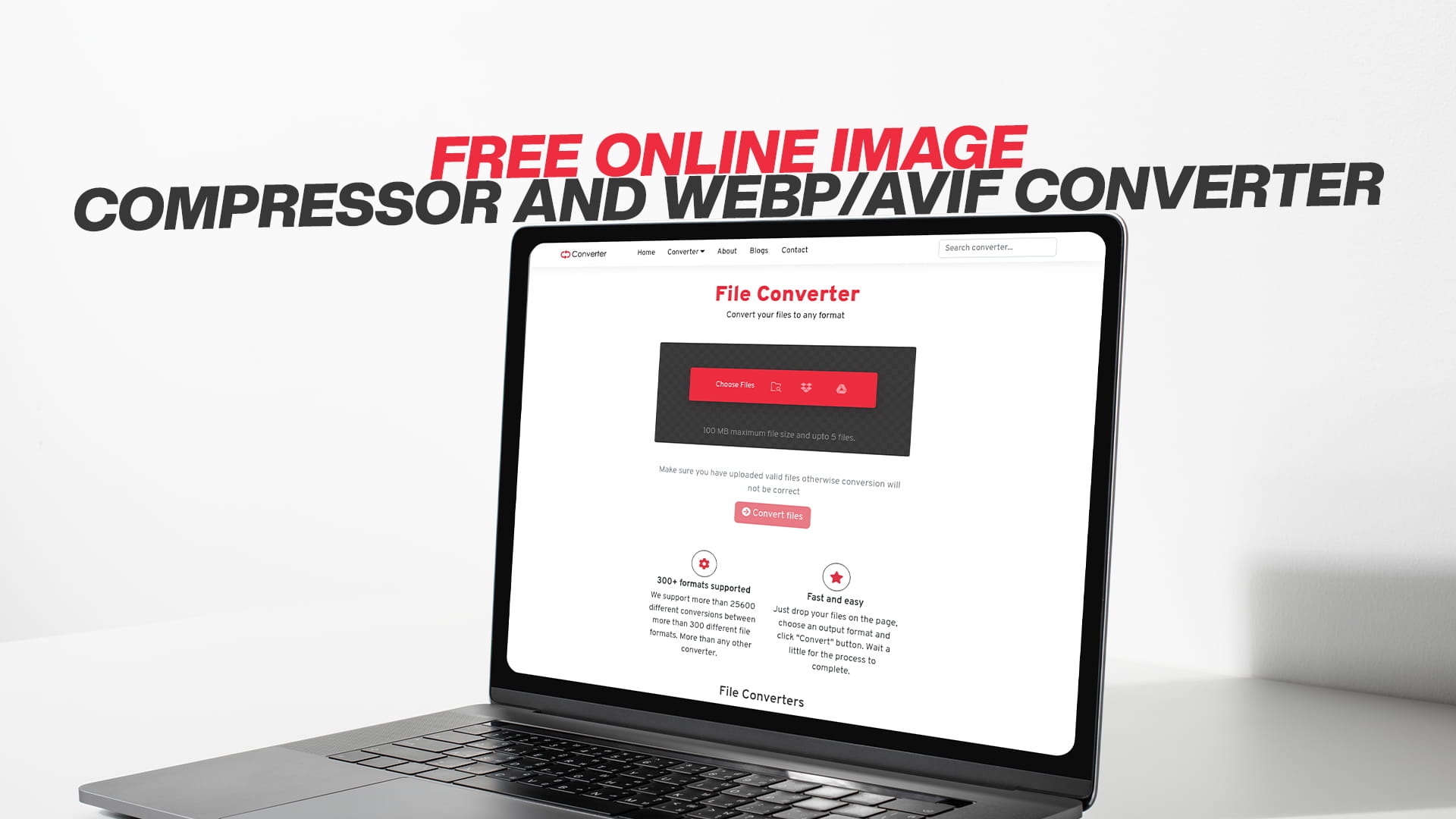
Free Online Image Compressor and WebP/AVIF Converter
Images play a crucial role in almost every website, blog, social media platform, and digital marketing campaign. Whether you are a professional photographer, a business owner running an online store, or someone who simply enjoys sharing photos on social media, you have probably noticed that image file sizes can become quite large. This is where image compression comes into play.
Image compression is a technique that reduces the file size of your images without losing too much quality. When you compress an image, you are essentially removing unnecessary data from the file, making it smaller and easier to store, share, and upload to the internet. This process is incredibly important for several reasons that we will explore throughout this guide.
One of the biggest challenges people face today is managing image quality while keeping file sizes manageable. Traditional image formats like JPEG and PNG have been used for many years, but newer formats like WebP and AVIF are changing the game. These modern formats offer better compression capabilities, which means smaller file sizes with the same visual quality.
If you have been struggling to find a simple, free solution to compress your images and convert them to these modern formats, you are in the right place. Convertio offers a free online image compressor and converter that makes this process incredibly easy, even for beginners.
Why Image Compression Matters in 2024 and Beyond
Understanding why image compression is important can help you appreciate the value it brings to your work. Let us break down some of the key reasons why you should care about image compression.
When you upload images to a website, those images need to be downloaded by every person who visits your site. If your images are large, they will take longer to download, which means your website will load more slowly. Website speed is absolutely critical in today's fast-paced internet environment. People do not like waiting for websites to load. If your site takes too long, visitors will simply leave and visit a competitor's website instead. Google also considers website speed as a ranking factor, meaning that faster websites tend to rank higher in search results.
By compressing your images, you directly improve your website's loading speed. Faster loading times lead to better user experience, which leads to more engagement, more conversions, and ultimately more success for your business or project.
Another important reason to compress images is storage space. If you run a website or manage large collections of photos, storage space can become expensive. Compressed images take up less space on your server, which means you can store more images without upgrading your hosting plan. This translates directly into cost savings for your business.
Mobile users are another major consideration. More and more people access the internet through smartphones and tablets instead of desktop computers. Mobile users often have slower internet connections and limited data plans. By providing compressed images, you help these users access your content faster and use less of their precious mobile data.
From a professional standpoint, image compression also helps with email communications. When you need to send photos via email, large files can exceed email size limits or take forever to upload and download. Compressed images solve this problem, making it easy to share high-quality photos with colleagues, clients, and friends.
Understanding Modern Image Formats: WebP and AVIF
For decades, the most common image formats on the internet were JPEG and PNG. JPEG works well for photographs and complex images, while PNG is better for graphics and images that need transparency. However, technology has advanced significantly, and new formats have been developed that offer substantial improvements.
WebP is a modern image format developed by Google that typically produces smaller file sizes than JPEG while maintaining similar quality levels. In fact, studies show that WebP images are often 25 to 35 percent smaller than equivalent JPEG images. This means you can store more images, serve them faster, and save on bandwidth costs. WebP also supports both lossy and lossless compression, as well as transparency and animation, making it incredibly versatile.
AVIF is an even newer format that is based on the AV1 video codec. AVIF can achieve significantly better compression than both JPEG and WebP in many cases. While AVIF is not yet supported by all browsers and platforms, support is growing rapidly. For those who can use AVIF, the file size savings can be quite impressive, often resulting in images that are 40 to 50 percent smaller than equivalent JPEG files.
The challenge with these modern formats is that many people do not know how to convert their existing images to WebP or AVIF formats. This is where Convertio comes in. Convertio makes it incredibly simple to convert your images to these modern formats with just a few clicks.
How Image Compression Works: The Technical Basics Explained Simply
You might be wondering exactly how image compression works. Understanding the basics can help you make better decisions about which compression methods to use for different types of images.
Image compression works by reducing the amount of data needed to represent an image. There are two main types of compression: lossy and lossless.
Lossy compression removes some data from the image permanently. This means that when you decompress the image, you cannot recover the original data. However, lossy compression typically removes data that is not very noticeable to the human eye, so the image usually still looks good even though some information is gone. JPEG uses lossy compression, which is why JPEG files are typically smaller than PNG files but may look slightly less sharp, especially with very high compression levels.
Lossless compression, on the other hand, removes data in a way that allows you to recover the exact original image later. No information is permanently lost, but the file size reduction is typically not as dramatic as with lossy compression. PNG uses lossless compression, which is why PNG files can be larger than JPEG files for the same image, but they preserve perfect image quality.
Modern formats like WebP and AVIF can use either lossy or lossless compression, depending on your needs. You can choose which compression method to use based on what matters more to you in each situation: maximum file size reduction or perfect quality preservation.
When you use Convertio to compress an image, you can typically adjust the compression level. Higher compression levels result in smaller files but may reduce image quality slightly. Lower compression levels preserve more quality but result in larger files. Finding the right balance depends on your specific needs.
The Benefits of Using an Online Image Compressor
An online image compressor like Convertio offers numerous advantages over traditional desktop software. Let us explore these benefits in detail.
First and foremost, an online compressor requires no installation. You do not need to download any software, install it on your computer, deal with software updates, or worry about compatibility issues with your operating system. This is a huge advantage, especially for people who do not want the hassle of managing additional software on their devices.
Online tools are also accessible from anywhere. Whether you are at home, at the office, at a coffee shop, or traveling abroad, you can access Convertio from any device with an internet connection and a web browser. This flexibility is invaluable in today's world where people work from many different locations.
Cost is another significant advantage. Free online tools like Convertio eliminate the need to purchase expensive image compression software. Professional image editing software like Photoshop or Lightroom can cost hundreds of dollars per year. Convertio provides similar compression capabilities at absolutely no cost to you.
An online compressor is also very user-friendly. You do not need to be a technical expert or understand complicated settings. Most people can figure out how to use Convertio simply by looking at the interface without needing to read instruction manuals or watch tutorial videos.
Speed is another advantage. Online tools are designed to work quickly. You upload your image, adjust settings if desired, and download your compressed image, all in a matter of seconds. This is much faster than many desktop applications.
Finally, online tools are constantly updated with the latest features and capabilities. You never have to worry about your tool becoming outdated. Convertio automatically has the newest features available to you without any effort on your part.
Step-by-Step Guide to Using an Online Image Compressor
Let us walk through the process of compressing an image using an online tool. This guide assumes you have never used an image compressor before, so we will take it slowly and explain each step carefully.
The first step is to access Convertio through your web browser. Simply type the website name into your browser's address bar and press Enter. The homepage will load, and you will see various options for different types of conversions. Look for the option related to image compression or image conversion.
Next, you need to select the image file you want to compress. Convertio allows you to do this in several ways. You can click a button to browse your computer and select a file from your hard drive. You can also drag and drop an image directly onto the Convertio interface if you prefer. Many people find the drag-and-drop method faster and more convenient than browsing through folders.
After selecting your image, you may see options to adjust compression settings. Different tools have different options available. You might see a slider for compression level, options to choose the output format, or quality settings. Take a moment to review these options and adjust them according to your needs. If you are not sure what to choose, the default settings usually work well for most situations.
Once you have adjusted the settings to your satisfaction, look for a button that says something like "Compress," "Convert," or "Upload." Click this button to start the compression process. The tool will begin processing your image, which typically takes just a few seconds.
When the compression is complete, you will be presented with a download button. Click this button to download your compressed image to your computer. The file will typically be saved to your default downloads folder, though you may be able to choose a different location depending on your browser settings.
That is it! You have successfully compressed an image. The process is really that simple with modern online tools.
Converting Images to WebP Format: A Beginner's Guide
WebP is an excellent format for website images, and Convertio makes converting to WebP incredibly easy. Let us discuss how to do this and why you might want to.
Converting your images to WebP is a smart decision if you run a website, create web graphics, or frequently share images online. WebP offers superior compression compared to JPEG, which means your images will load faster and use less bandwidth.
To convert an image to WebP using Convertio, the process is similar to image compression. You upload your image, but instead of selecting a compression level, you select WebP as your desired output format. The tool will then convert your image from its original format to WebP. You download the resulting WebP file, and you are done.
One thing to keep in mind is that while WebP is excellent, not all browsers support it yet. Internet Explorer, for example, does not support WebP. However, modern browsers like Chrome, Firefox, Edge, and Safari all support WebP. Since most people use these browsers, WebP compatibility is not usually a concern anymore. Many web developers recommend using WebP for modern websites.
The file size savings with WebP conversion can be quite dramatic. You might upload a JPEG image that is 500 kilobytes in size and convert it to WebP only to discover that the resulting file is just 300 kilobytes. That is a 40 percent reduction in file size without any visible loss of quality. Over time, these savings add up significantly.
Converting Images to AVIF Format: The Future of Web Images
AVIF is the newest and most advanced image format available today. While WebP represents a significant improvement over JPEG, AVIF represents another leap forward in compression technology.
Converting to AVIF using Convertio is just as simple as converting to WebP. You upload your image and select AVIF as the output format. Convertio handles all the technical conversion work, and you download the resulting AVIF file.
The advantages of AVIF are substantial. AVIF files are typically 20 to 50 percent smaller than equivalent WebP files, depending on the image content. This means AVIF can deliver significant additional bandwidth savings compared to both JPEG and WebP.
However, AVIF support is not yet universal. Some older browsers and mobile devices do not support AVIF. For this reason, many web developers recommend using AVIF along with WebP in a fallback system, where the browser receives AVIF if it supports it, and WebP if it does not.
The good news is that support for AVIF is growing rapidly. Within the next few years, AVIF support will likely become as widespread as WebP support is today. Web developers who start converting their images to AVIF now will be ahead of the curve and ready for the future.
Comparing Different Image Formats: JPEG, PNG, WebP, and AVIF
Understanding the strengths and weaknesses of different image formats can help you choose the right format for each situation. Let us compare these four popular formats.
JPEG has been the standard format for photographs and complex images for decades. JPEG uses lossy compression, which means it achieves small file sizes but may reduce image quality slightly. JPEG is widely supported across all browsers and devices. JPEG is still an excellent choice for photographs and images with many colors. However, JPEG does not support transparency, which can be a limitation in some situations.
PNG is another widely used format that uses lossless compression. PNG preserves perfect image quality but results in larger file sizes than JPEG. PNG supports transparency, making it ideal for graphics, logos, and images that need transparent backgrounds. PNG works well for icons, buttons, and other web graphics. PNG does not work as well as JPEG for photographs because the file sizes tend to be too large.
WebP offers the best of both worlds in many ways. WebP can use either lossy or lossless compression. WebP files are typically smaller than both JPEG and PNG files of equivalent quality. WebP supports transparency like PNG and handles photographs well like JPEG. The main limitation is that older browsers do not support WebP, though this is becoming less of an issue over time.
AVIF is the most advanced format, offering the best compression of all four formats. AVIF can handle photographs, graphics, transparency, and animation. AVIF files are typically 20 to 50 percent smaller than WebP files. The limitation is that AVIF support is not yet universal, though it is improving rapidly.
For a modern website, many experts recommend using AVIF as the primary format with WebP and JPEG as fallbacks for browsers that do not support the newer formats.
Real-World Applications and Use Cases for Image Compression
Understanding how image compression applies to real-world situations can help you see the value it offers. Let us explore several practical scenarios where image compression makes a real difference.
If you run a blog or website, image compression directly impacts your site's performance. Compressed images load faster, which improves the user experience and keeps visitors on your site longer. Faster loading websites also rank better in search engine results. By compressing your images, you improve both user experience and search engine optimization, which leads to more traffic and more success.
E-commerce businesses benefit enormously from image compression. Online stores typically feature many product images. When a customer visits your store, they might browse through dozens of product images. If all these images are large files, the website will load slowly, and customers will become frustrated. Compressed images keep your store fast and responsive, which directly increases sales. Additionally, faster websites cost less to host because they use less bandwidth, which improves your bottom line.
Social media managers frequently need to compress images before uploading them to platforms like Facebook, Instagram, and Twitter. These platforms have specific image size recommendations, and compressing images to meet these recommendations ensures that your images display properly and load quickly for your followers. Smaller image files also allow you to share more images quickly, which is important when posting multiple times per day.
Content creators and photographers often need to compress images before sending them to clients or collaborators via email. Compressed images take up less space and transfer more quickly, making communication faster and more efficient. A photographer might deliver 500 wedding photos to a client in a single compressed file rather than struggling to send dozens of separate large files.
Educational institutions use image compression when creating online courses, educational websites, and digital learning materials. Students accessing course materials on slower internet connections benefit greatly from compressed images that load quickly and use less data.
How Convertio Makes Image Compression Accessible to Everyone
Convertio has designed its platform specifically to make image compression and conversion accessible to everyone, regardless of technical skill level. The user interface is clean, simple, and intuitive. You do not need any special knowledge or experience to use Convertio. If you can drag and drop files and click buttons, you can use Convertio.
Convertio supports a wide range of image formats, not just the popular ones. Whether you need to compress JPEG, PNG, GIF, BMP, TIFF, or WebP files, Convertio can handle them. This versatility makes Convertio a one-stop solution for all your image compression needs.
The platform is completely free to use. There are no hidden fees, no premium plans you need to purchase, and no limitations based on how many images you convert. You can compress as many images as you want without paying anything.
Convertio is also incredibly fast. Most image compressions are completed in just a few seconds. There is no waiting around for long processing times. You upload, compress, and download in a matter of moments.
Security and privacy are important considerations when using online tools. Convertio takes these seriously. Your images are processed securely and automatically deleted from Convertio's servers after processing. Your privacy is protected, and your images are not stored or accessed by anyone.
Tips and Tricks for Optimal Image Compression Results
Knowing a few tips and tricks can help you get the best results when compressing images. Let us share some valuable advice.
When choosing a compression level, consider what the image will be used for. If the image will be printed or displayed at very large sizes, you might want to use lower compression to preserve quality. If the image is just for web use or email, higher compression is usually fine. For most web images, medium to high compression settings work well and barely compromise quality.
The type of image matters. Photographs with many colors and complex details typically compress well and can handle higher compression levels. Simple graphics with solid colors may need lower compression to avoid quality loss. Convertio allows you to preview compressed images before downloading, which helps you choose appropriate settings.
Converting to modern formats like WebP or AVIF, along with compression, can result in dramatic file size reductions. Consider using these formats for your websites if browser support allows.
Batch processing, if available, can save time when you need to compress many images. Instead of compressing them one at a time, you can often compress multiple images at once.
Before compressing important images, always keep the original files. Compression reduces quality slightly in most cases, so you might want to compress for web use while keeping high-quality originals for printing or future editing.
The Impact of Fast-Loading Images on Business Success
The connection between image compression and business success might not be immediately obvious, but it is very real. Let us explain how compressed images contribute to your bottom line.
Website speed directly impacts conversion rates. Studies show that websites that load even one second faster have significantly higher conversion rates. A typical e-commerce website might see a 7 percent increase in conversions just by improving page load speed by one second. Image compression is one of the most effective ways to improve page load speed, making it a powerful tool for increasing sales and revenue.
User experience is another critical factor in business success. Visitors to your website form opinions about your business within seconds of arriving. If your website loads slowly and images are sluggish, visitors perceive your business as unprofessional or outdated. Compressed images that load quickly create a positive first impression and keep visitors engaged with your content.
Search engine rankings are also influenced by website speed. Google and other search engines prefer fast websites and reward them with better rankings. By compressing your images and improving your website's speed, you improve your search engine visibility, which leads to more organic traffic and more potential customers.
The cost of server bandwidth should not be overlooked. Hosting providers typically charge based on bandwidth usage. Compressed images use less bandwidth, which directly reduces your hosting costs. Over the course of a year, the bandwidth savings from image compression can be substantial, potentially saving hundreds or even thousands of dollars for websites with lots of images.
Conclusion: Taking the Next Step with Your Images
Image compression and modern format conversion are no longer optional luxuries for websites and digital content creators. They are essential practices that directly impact performance, costs, and user satisfaction. Whether you are a professional photographer, a website owner, a social media manager, or someone who simply wants to share photos with friends and family, you stand to benefit from image compression.
Convertio makes it easy to start compressing your images and converting them to modern formats today. The platform is free, simple, and incredibly effective. You do not need any special software or technical knowledge. Simply visit Convertio, upload your images, and download your compressed and converted files. It really is that straightforward.
The sooner you start using image compression, the sooner you will see improvements in website speed, reduced storage costs, faster uploads, and better user experiences. Take action today by visiting Convertio and compressing your first image. Once you experience how easy and effective the process is, you will wonder how you ever managed without it. Your websites, your users, and your wallet will all thank you for making the switch to compressed images and modern formats.