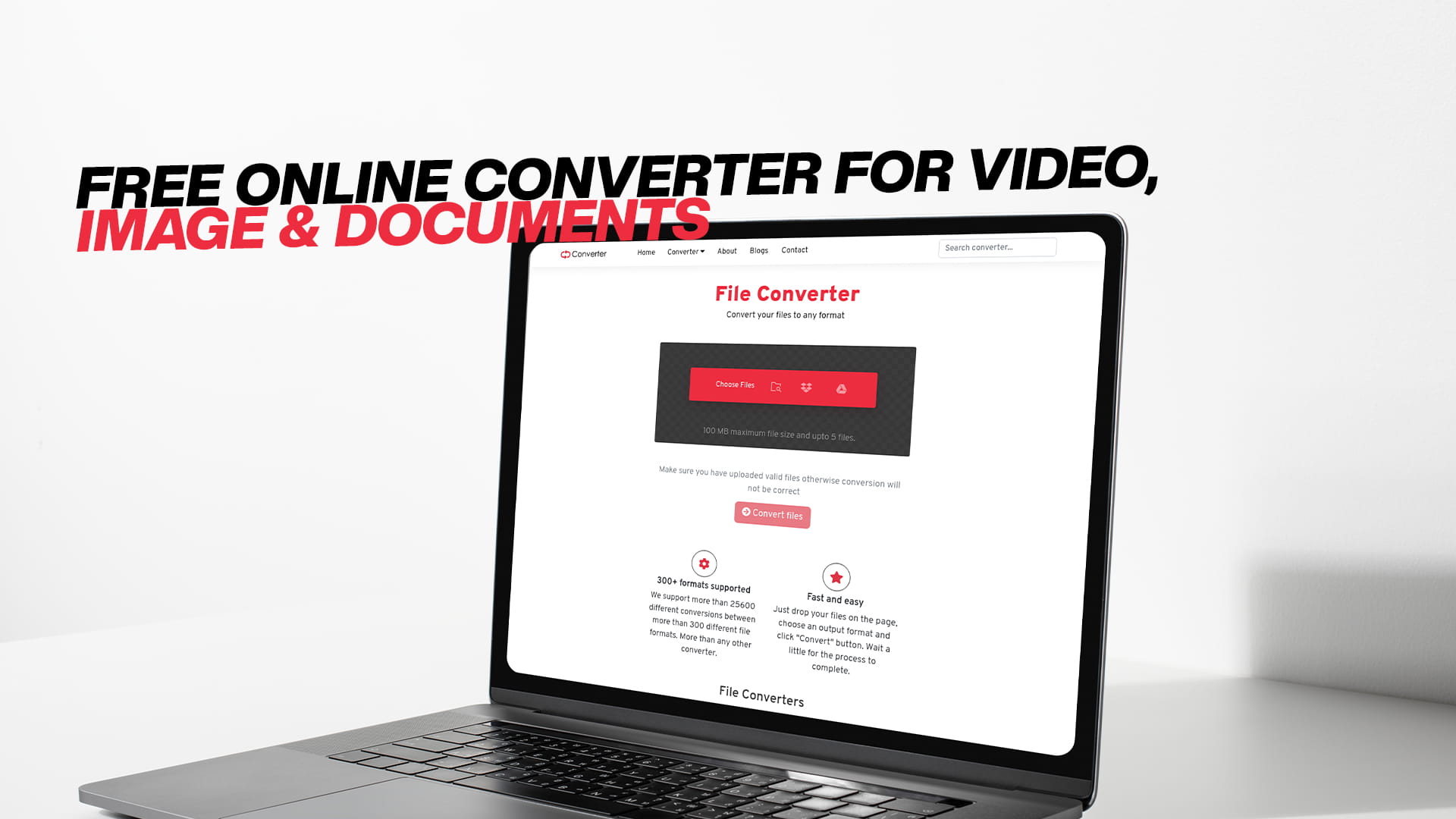
Free Online Converter for Video, Image & Documents
Think about the last time a file refused to open on your device. Maybe it was a video that your media player could not read. Or a document someone emailed you in a format your computer did not recognize. Perhaps you downloaded an eBook only to find out your reader does not support that particular file type.
If any of this sounds familiar, you are not alone. Millions of people deal with file compatibility problems every single day. Files come in hundreds of different formats, and not every device, app, or platform supports all of them. This is one of the most common digital frustrations people face — whether they are students, professionals, content creators, or casual users just trying to get something done.
The good news is that this problem has a clean, simple, and completely free solution. That solution is a reliable online file converter. And one of the best free converters available right now is Convertio — a platform that handles videos, images, audio, documents, PDFs, eBooks, compressed files, software files, and much more, all from a single easy-to-use online tool.
This guide will walk you through everything you need to know. We will cover what file conversion is, why different formats exist, how to convert files properly, and why Convertio makes the entire process faster and easier than you might expect.
Understanding File Conversion and Why It Matters
File conversion is the process of taking a file saved in one format and changing it into a different format. The content of the file stays the same — the video is the same, the document is the same — but the way the data is stored and encoded changes so that different programs, devices, or platforms can work with it.
This might seem like a simple technical process, but it touches almost every kind of digital task. Converting a video so it plays on your phone. Turning a Word document into a PDF before submitting it. Changing an image from PNG to JPEG to reduce its file size before uploading it to a website. Converting an audio recording from WAV to MP3 to make it easier to share. All of these are everyday file conversion needs that real people deal with regularly.
The challenge is that different file formats exist for different reasons. Some are designed to preserve maximum quality. Others are built to keep file sizes as small as possible. Some are proprietary formats tied to specific companies and their products. Others are open standards that work across many different platforms.
Because of this diversity, file conversion is not just a one-time need — it is something most people run into regularly, often at inconvenient moments. Having a reliable converter you can count on makes a real difference in how smoothly your digital life runs.
What Is Convertio and What Makes It Stand Out?
Convertio is a free online file conversion platform that covers an impressively wide range of file types. Unlike most conversion tools on the internet that specialize in just one or two categories, Convertio offers conversion for images, audio, video, documents, PDFs, eBooks, software files, compressed archives, and more — all from one place.
This breadth of coverage is one of the things that sets Convertio apart. When you need to convert different types of files at different times, having everything available in one platform is genuinely convenient. You do not need to bookmark five different tools for five different types of conversions. You just go to Convertio and handle everything from there.
Another major advantage is that Convertio is entirely browser-based. You do not download any software, install any applications, or deal with license keys. You simply open the website, upload your file, choose your output format, and convert. It works on Windows, Mac, Linux, Chromebook, tablets, and smartphones — any device with a modern web browser and an internet connection.
And perhaps most importantly for many users: it is free. Converting files should not cost money. Basic digital tasks should be accessible to everyone, and Convertio delivers on that principle.
Converting Videos: What You Need to Know
Video conversion is one of the most searched topics when it comes to file conversion, and for good reason. Video files are large, complex, and come in a dizzying variety of formats. What plays perfectly on one device might refuse to open on another.
Here are some of the most common video formats and when you are likely to encounter them.
MP4 is probably the most universally compatible video format in use today. It works on virtually every device, platform, and media player. When in doubt about which video format to use, MP4 is almost always a safe choice.
MKV is a high-quality video container that is popular for movies and TV shows because it can hold multiple audio tracks and subtitles in a single file. However, not all devices and players support it natively, which is why converting MKV to MP4 is one of the most common video conversion requests.
AVI is an older format that was once the standard for video files on Windows computers. While it is still widely supported, it tends to produce larger file sizes than more modern formats, and some newer platforms do not handle it as well.
MOV is Apple's native video format, used by iPhones, iPads, and Mac computers. It works beautifully within the Apple ecosystem but can cause compatibility issues on Windows devices and Android phones.
WMV is Microsoft's video format, which plays great on Windows but can be tricky on other platforms.
FLV was once the dominant format for web video, but it has largely been replaced by MP4. You might still encounter FLV files from older downloads or archives.
WEBM is a modern format designed for web video, particularly for streaming and embedding in web pages.
With Convertio, you can convert between all of these formats and more. Whether you need to convert an MKV movie to MP4 for your streaming stick, turn an iPhone MOV recording into something that plays on Windows, or prepare video content for different social media platforms with specific format requirements, the platform handles it cleanly and efficiently.
Audio Conversion for Every Situation
Audio files have their own ecosystem of formats, each designed with different goals in mind. Whether you are a music lover, a podcaster, a voice actor, a musician, or just someone trying to play an audio file they received, understanding the basics of audio formats helps you make better conversion choices.
MP3 is the most widely recognized audio format in the world. It compresses audio files significantly while maintaining good sound quality for everyday listening. MP3 files are small enough to store thousands of songs on a device and compatible with virtually every audio player and platform.
WAV is an uncompressed audio format that preserves every detail of the original recording. The sound quality is perfect, but the file sizes are enormous compared to compressed formats. WAV is commonly used in professional audio production and recording studios.
FLAC stands for Free Lossless Audio Codec. It compresses audio files without any loss of quality — the compressed file sounds identical to the original, but takes up less space than WAV. Audiophiles and music enthusiasts who want the best possible sound without massive file sizes often prefer FLAC.
AAC is the audio format used by Apple for music purchases, and it is the default recording format on iPhones and iPads. It generally provides better sound quality than MP3 at similar file sizes, making it a popular choice for streaming services.
OGG is an open-source audio format that offers good quality at small file sizes. It is commonly used in games, apps, and on Linux systems.
WMA is Microsoft's audio format. It plays well in Windows Media Player and on Windows devices but is less universally compatible than MP3 or AAC.
AIFF is Apple's uncompressed audio format, similar to WAV in quality and file size, commonly used in professional music production on Mac systems.
With Convertio, you can convert between all of these formats quickly and easily. Common scenarios include converting WAV recordings to MP3 for sharing, turning FLAC files into AAC for iPhone compatibility, converting OGG files to MP3 for older media players, and preparing audio in specific formats required by podcast hosting platforms or music streaming services.
Document and PDF Conversion: Solving Everyday Problems
Documents are at the heart of almost every professional and academic workflow. Word processors, spreadsheets, presentations, and text files all have their own format ecosystems, and making them work together smoothly often requires conversion.
DOCX is the default format for Microsoft Word, the most widely used word processor in the world. ODT is the equivalent format for LibreOffice and OpenOffice, which are free alternatives. RTF is an older rich text format that is compatible with almost every word processor. TXT is a plain text format with no formatting whatsoever, which makes it universally readable but limited in what it can express.
PDF deserves special attention because of how central it has become to document sharing. PDF stands for Portable Document Format, and its defining characteristic is that it looks exactly the same on every device and every operating system. The fonts, layout, spacing, and design of a PDF are locked in — which is why it is the preferred format for official documents, contracts, forms, reports, and anything else that needs to look consistent everywhere.
Converting documents to PDF is one of the most common conversion tasks people perform. You write something in Word, and before sending it to a client or submitting it for a grade, you convert it to PDF so the formatting stays intact. Convertio makes this simple and immediate.
Going the other direction — converting a PDF back into an editable document format — is also something many people need. Maybe you received a contract as a PDF and need to make edits. Maybe you have a report saved as PDF and want to pull the text into a Word document. Convertio handles this conversion too.
Other common document conversion scenarios include turning TXT files into DOCX when you need to apply formatting, converting ODT files to DOCX for compatibility with Microsoft Office users, and switching between different presentation formats.
Image Conversion: Getting the Right Format for Every Purpose
Images are used everywhere — in websites, social media, print design, photography, marketing, and everyday communication. Different image formats are suited to different purposes, and knowing when to use which format makes a real difference in quality, file size, and compatibility.
JPEG, also written as JPG, is the most common image format for photographs. It uses compression to keep file sizes manageable while maintaining good visual quality. Almost every device and app in the world can open a JPEG file.
PNG is preferred when you need transparency or when you are working with graphics that have sharp edges and solid colors, like logos, icons, and illustrations. PNG files are larger than JPEG but preserve more detail and support transparent backgrounds.
GIF is a format that supports simple animations. It has limited color support, which is why it is not ideal for photographs, but it remains popular for short animated clips and memes.
WEBP is a modern image format developed by Google that achieves very small file sizes without sacrificing quality. It is increasingly used on websites to improve loading speed, which directly affects search engine rankings.
TIFF is a high-quality format used in professional photography and print design. TIFF files are large but preserve maximum detail, making them the preferred choice when quality is the top priority.
BMP is an older Windows bitmap format that stores image data without compression. BMP files are very large and rarely used in modern workflows, but they are still encountered occasionally.
SVG is a vector image format, which means it is defined mathematically rather than as a grid of pixels. SVG images can be scaled to any size without losing quality, making them ideal for logos, icons, and web graphics.
With Convertio, you can convert between all of these formats instantly. Common use cases include converting PNG to JPEG to reduce file size for web use, turning photos into WEBP format for faster website loading, converting TIFF files from a camera to JPEG for easy sharing, and switching between formats depending on the requirements of a specific platform or client.
eBook Conversion for Every Reader and Device
The rise of digital reading has brought a new set of format compatibility challenges. eBooks are distributed in several different formats, and not every reading device supports every format. This is where eBook conversion becomes essential.
EPUB is the most widely used eBook format across the industry. It is supported by Kobo, Nook, Apple Books, and most reading apps. EPUB files are reflowable, which means the text adjusts to fit the screen size, making them comfortable to read on any device.
MOBI is Amazon's native eBook format, used on Kindle devices. If you have an EPUB file and want to read it on a Kindle, you need to convert it to MOBI first. Convertio handles this conversion effortlessly.
AZW3 is a newer Amazon format that supports more advanced formatting than MOBI. It is used by more recent Kindle devices and apps.
PDF is sometimes used for eBooks, particularly for documents that have complex layouts or are designed to be printed. However, PDF eBooks do not reflow well on small screens, which is why converting them to EPUB or MOBI often gives a better reading experience.
FB2 is a format popular in Eastern Europe and Russia, and is supported by several reading apps. If you download eBooks from certain international sources, you might encounter FB2 files that need to be converted for your device.
Whether you are trying to read a book on a device that does not support its original format, preparing eBook files for distribution, or building a personal digital library that works across multiple devices and apps, Convertio gives you the conversion tools you need.
Compressed Files and Archives Made Simple
Compressed archive formats are used to bundle multiple files together and reduce their total size for easier storage and sharing. ZIP, RAR, TAR, 7Z, and GZ are among the most common.
ZIP is the most universally supported archive format. Windows, Mac, and Linux all handle ZIP files natively without requiring extra software.
RAR is a proprietary format that often achieves better compression than ZIP but requires dedicated software to open. If you receive a RAR file and need to work with it alongside ZIP files, conversion can simplify your workflow.
TAR is a format commonly used in Linux and Unix environments. It bundles files together but does not compress them by default. TAR files are often combined with GZIP compression to create TAR.GZ archives.
7Z is an open-source archive format that achieves excellent compression ratios. It is popular among users who frequently share large collections of files and want to minimize their size as much as possible.
Convertio supports conversions between these archive formats, which is particularly useful for users who receive files in one format but need to work with them in another, or for developers and technical users managing files across different operating systems.
Software Files and Technical Formats
Beyond the categories most everyday users are familiar with, Convertio also handles software-related file formats. This is valuable for developers, system administrators, and technically oriented users who work with disk images, application packages, installation files, and similar technical formats.
Having a single trusted platform that can handle these conversions alongside everyday image, video, and document conversions means fewer tools to manage and a more streamlined workflow overall.
The Real Value of a Free Converter
Let us talk honestly about cost for a moment. File conversion sounds like it should be free. It is a basic digital task — similar to copying a file or changing its name. And yet many tools on the internet charge for it, either through subscriptions, per-conversion fees, watermarks on output files, or limitations on file size.
Some of the best-known professional tools in this space — software for editing PDFs, converting video, or processing images — can cost anywhere from a modest monthly fee to hundreds of dollars per year. For someone who just needs to convert a file once in a while, paying for a subscription makes no sense at all.
Convertio provides its conversion services for free, making professional-quality file conversion accessible to everyone. Students working on tight budgets, freelancers just starting out, small business owners watching their expenses, people in regions where software is prohibitively expensive — everyone can use Convertio without any financial barrier.
Free access also means no commitment. You do not have to sign up for anything or enter your credit card information just to convert a file. You go to the platform, do what you need to do, and move on with your day.
How Convertio Works: A Step-by-Step Walkthrough
Using Convertio is genuinely straightforward. Here is what the process looks like from start to finish.
You begin by visiting Convertio and landing on a clean, organized homepage that clearly shows the different types of conversions available. The interface is designed to be intuitive — you do not need to spend time figuring out how to use it.
Next, you select the type of conversion you need. The platform is organized by file category, so you choose whether you are working with a video, an image, a document, audio, a PDF, or another file type.
From there, you choose your output format. This is the format you want your file to be converted into. For example, if you have an MKV video and want it in MP4, you select MP4 as the output format.
You then upload your file. You can upload directly from your device, or in some cases you may be able to provide a URL to a file hosted online.
Before converting, you have the option to adjust settings if you want to. For video, this might include resolution, bitrate, or frame rate. For audio, it could be bitrate or sample rate. For images, you might adjust quality or dimensions. If none of this means anything to you, that is completely fine — the default settings are chosen to produce good results without any manual adjustments.
Once you click convert, the platform processes your file. Depending on the file size and the complexity of the conversion, this typically takes anywhere from a few seconds to a couple of minutes.
When the conversion is complete, you download your new file directly to your device. The original file remains unchanged, and you now have both the original and the converted version.
The entire experience is designed to be as frictionless as possible. You do not need to be technical. You do not need to understand the details of codecs, bitrates, or compression algorithms. You just need to know what you have and what you want, and Convertio handles the rest.
Getting the Best Results from File Conversion
A few practical tips can help you get consistently excellent results whenever you convert files.
Always start with the best quality version of your file that you have available. If you have the original, uncompressed recording or the highest resolution version of an image, use that as your source rather than a previously compressed copy. Each round of compression can reduce quality slightly, so you want to start from the best possible source.
Think about the intended use of the converted file before choosing your output format and settings. A video being prepared for social media has different requirements than one being archived for long-term storage. An image being used on a website should be optimized for small file size and fast loading, while one being prepared for print should prioritize quality and resolution.
After conversion, always open and review the output file before deleting your original. Check that the video plays correctly, the document looks the way you expect, the audio sounds right, or the image appears as intended. This only takes a moment and can save you from discovering a problem after you have already moved on.
If you are converting files for a specific platform — a social media site, a video hosting service, a podcast host, or a client — check the platform's recommended format and settings before you convert. Many platforms publish specific requirements for uploads, and matching those requirements will give you the best possible results.
Who Uses Online File Conversion?
File conversion is not just for tech enthusiasts or professionals. It is a tool that almost anyone can benefit from at some point.
Students use it to submit assignments in the required format, convert research materials, and prepare presentations for different devices.
Teachers and educators use it to prepare teaching materials in formats that work for all of their students, regardless of the devices or software they have access to.
Freelancers and small business owners use it to deliver files to clients in whatever format is requested, without needing to own multiple expensive software applications.
Content creators use it to prepare videos, images, and audio in the specific formats required by different platforms, each of which has its own preferences and technical requirements.
Everyday users use it to open files they received that will not open on their devices, to share media with friends and family, and to manage their digital files more effectively.
Developers and technical users use it to handle software files, archives, and format conversions that are part of their technical workflows.
In short, online file conversion is a broadly useful tool that serves people across many different contexts and backgrounds. Convertio is designed to serve all of them.
Why Bookmark Convertio Today
The best time to find a reliable file conversion tool is before you urgently need one. If you wait until a file will not open or a deadline is approaching and you need a specific format right now, you end up rushing through a search and landing on whatever comes up first — which may be slow, unreliable, or full of ads and unwanted redirects.
By finding and bookmarking Convertio now, you give yourself a dependable, proven solution for the next time a file format problem comes up. And it will come up, because file compatibility is simply a reality of digital life.
Convertio covers every major file category, works on every device, requires no software installation, and costs nothing. It is hard to think of a reason not to keep it handy.
Final Thoughts
File conversion is a basic, practical need that touches virtually everyone who uses a computer, phone, or tablet. Whether you are working with videos, audio recordings, documents, images, PDFs, eBooks, compressed archives, or software files, you will eventually encounter a situation where the format you have is not the format you need.
Convertio is built specifically to solve that problem — completely, reliably, and for free. It handles a wider range of file types than almost any other conversion tool available online, it works directly in your browser without any installation, and it is designed to be simple enough for complete beginners while offering enough options and control to satisfy more experienced users.
If you work with digital files in any part of your life — and almost everyone does — Convertio is a tool worth knowing about. The next time you run into a file format problem, you will know exactly where to turn.
Visit Convertio and start converting your files for free today.