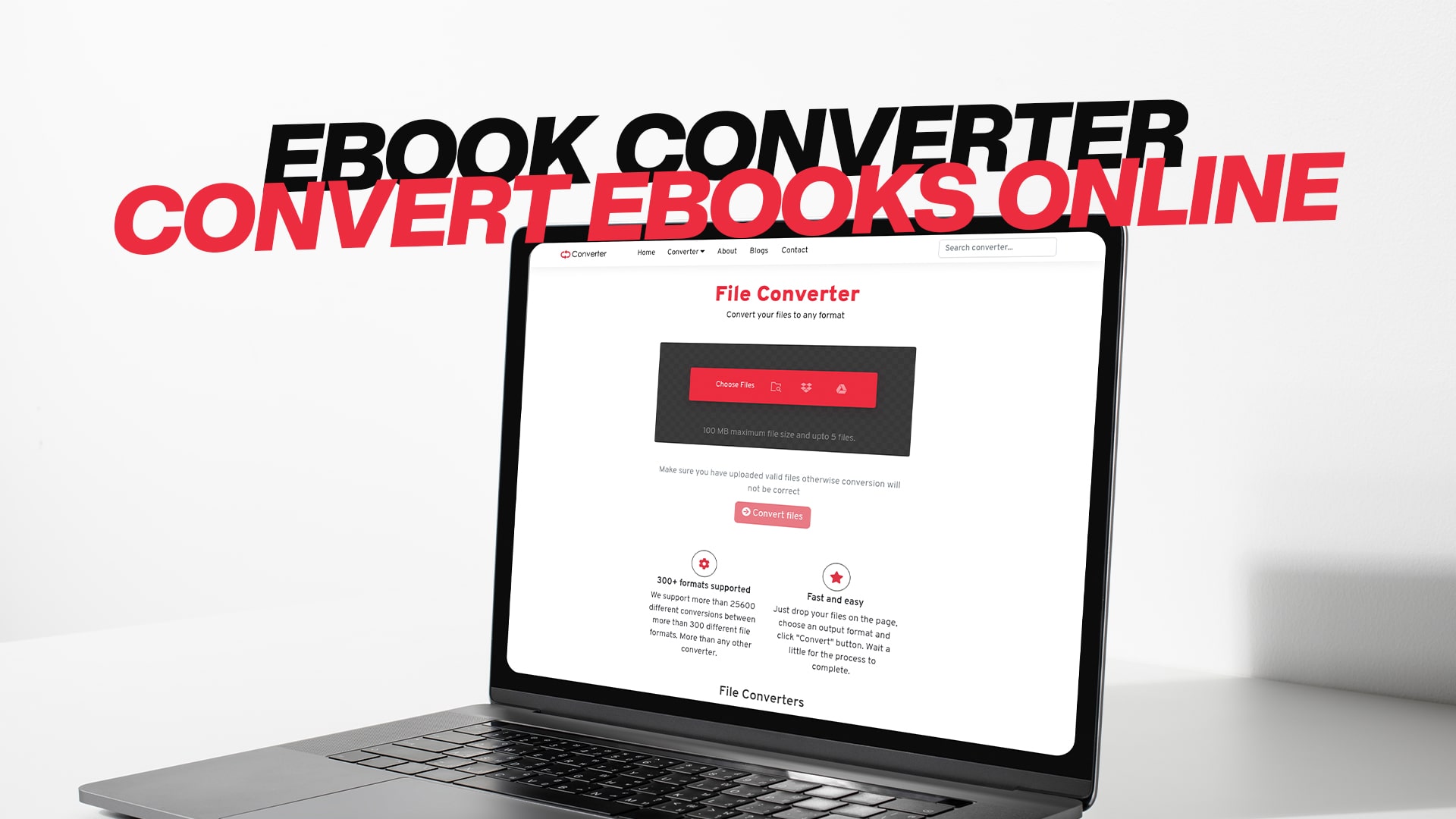
eBook Converter | Convert eBooks Online
eBooks have become an essential part of how we read and share information in today's digital world. Whether you are a student, professional, or casual reader, you may find yourself in situations where you need to convert your eBooks from one format to another. An eBook converter is a tool that lets you convert your digital books from one format to another that better suits your needs.
The internet is full of different eBook formats. Some of the most common ones include EPUB, PDF, MOBI, AZW, and TXT. Each format has its own advantages and disadvantages. Some formats work better on certain devices, while others are better for sharing or printing. This is why having access to a reliable eBook converter can make your life much easier.
Why You Might Need an eBook Converter
There are many reasons why someone might want to convert their eBooks. Let me explain some of the most common situations where an eBook converter becomes very useful.
Different Device Compatibility
One of the main reasons people need eBook converters is that they own multiple devices that read eBooks. For example, you might have a Kindle reader, an iPad, and a regular computer. Not all eBooks work on all devices. A book that works perfectly on your Kindle might not open on your iPad. An eBook converter helps you change the format so it works on the device you want to use.
Sharing eBooks with Others
Sometimes you want to share an eBook with a friend or family member. However, the format you have might not work for their device. Instead of telling them they cannot read the book, you can convert it to a format their device supports. This makes sharing knowledge and stories much easier and more convenient.
Preserving Your Reading Collection
Many people have collected eBooks over the years. You might have books in old formats that are no longer popular or supported. Converting these books to modern formats helps preserve your collection for the future. It ensures that your books will still be readable even as technology changes.
Creating Compatible Versions for Distribution
If you are an author or publisher, you need your books to work on many different platforms. Converting your eBooks into multiple formats allows readers to access your work regardless of what device they use. This increases the number of people who can read your work.
Common eBook Formats Explained
Understanding different eBook formats is important when you decide to convert your books. Each format serves a specific purpose and works best in certain situations.
EPUB Format
EPUB is short for Electronic Publication. This is one of the most popular and widely supported eBook formats in the world. EPUB files work on most devices, including tablets, smartphones, and eBook readers. The format is designed to be flexible and works well with different screen sizes. When you read an EPUB book, the text automatically adjusts to fit your screen. This makes reading comfortable on any device you choose to use.
PDF Format
PDF stands for Portable Document Format. PDF files are used for many types of documents, not just eBooks. A PDF eBook looks the same on every device where it opens. The layout, fonts, and images all stay the same. This is great when you want your eBook to look professional and consistent. However, PDF files can sometimes be hard to read on very small screens because they do not adjust their size automatically.
MOBI and AZW Formats
MOBI is an older eBook format that was very popular before EPUB became the standard. AZW is Amazon's own eBook format used for Kindle devices. If you own an Amazon Kindle reader, you are probably familiar with AZW files. These formats are designed specifically for reading on electronic devices and provide a smooth reading experience with good text formatting.
TXT Format
TXT is the simplest eBook format. TXT files contain only plain text with no special formatting, images, or fancy layouts. While TXT files are very basic, they can be opened on absolutely any device or computer. They are useful when you want maximum compatibility and do not need pictures or advanced formatting in your eBook.
How to Use an Online eBook Converter
Converting your eBooks online has become incredibly simple and fast. An online eBook converter does not require you to install any software on your computer. Everything happens directly on the internet through your web browser.
Step One: Choose Your Conversion Tool
The first step is finding a reliable online eBook converter. You want to choose a tool that is easy to use, fast, and keeps your files secure. A good converter should support many different file formats and should not require you to create an account or pay any money. Look for a service that has positive reviews and is used by many people.
Step Two: Upload Your eBook File
Once you have selected your converter, you need to upload the eBook file you want to convert. This is usually as simple as clicking a button that says "Upload" or "Choose File." Then you select the eBook from your computer. Most converters allow you to upload files by dragging and dropping them onto the page. This makes the process even faster and more convenient.
Step Three: Select Your Desired Format
After you upload your file, you need to tell the converter what format you want. The converter will show you a list of available formats to choose from. Simply click on the format you want to convert your eBook into. Make sure you choose a format that will work with your device or the person you are sharing the file with.
Step Four: Complete the Conversion
Once you have selected your desired format, you click a button to start the conversion. The converter will process your file and change it to the new format. The time this takes depends on the size of your eBook file. Larger files may take a few minutes while smaller files convert very quickly.
Step Five: Download Your Converted File
When the conversion is complete, the converter will provide a download link. You click this link to download your newly converted eBook file to your computer. The file is now ready to be transferred to your device or shared with others.
Benefits of Using a Free Online eBook Converter
There are many advantages to using a free online eBook converter service instead of buying expensive software or using complicated methods.
Complete Freedom and Convenience
An online converter is available to you anytime you need it. You do not have to install anything on your computer or worry about software updates. As long as you have internet access, you can convert your eBooks whenever you want. This convenience is one of the biggest reasons people prefer online converters.
Support for Multiple File Formats
A quality online converter supports many different eBook formats. This means you are not limited to converting between just a few formats. You can convert any eBook format into almost any other format you need. Whether you work with old formats or new ones, a comprehensive converter handles them all.
No Software Installation Required
Installing software can sometimes be confusing or risky. You have to make sure your computer has enough space, and you worry about compatibility with your operating system. An online converter eliminates all these problems. Everything works directly in your web browser without any installation.
Enhanced Security and Privacy
When you use an online converter, your files are uploaded to a secure server, converted, and then immediately available for download. Most quality converters delete your files from their servers shortly after conversion. This means your personal eBooks remain private and secure. You do not have to worry about your files being stored or shared without your permission.
Cost Effectiveness
Free online eBook converters save you money. Instead of paying for expensive software that you might only use occasionally, you can convert your eBooks for free. This is especially valuable if you convert eBooks only sometimes or if you are a student on a limited budget.
Convertio: Your Trusted eBook Conversion Partner
When you are looking for a reliable and easy-to-use eBook converter, Convertio stands out as an excellent choice. Convertio has built a strong reputation for providing quality conversion services for many different file types.
Wide Range of Supported Formats
Convertio supports conversion of eBooks in virtually all popular formats. Whether you need to convert EPUB, PDF, MOBI, AZW, or TXT files, Convertio has you covered. The platform is regularly updated to support new formats as they become popular. This ensures that you will always be able to convert your eBooks, regardless of what format they are in.
Simple and Intuitive Interface
The Convertio interface is designed to be so simple that anyone can use it. You do not need any technical knowledge or special computer skills to convert your eBooks. The process is straightforward: upload, select format, convert, and download. Each step is clearly labeled and easy to understand, even for people who are not very comfortable using technology.
Fast Conversion Speeds
Convertio processes your eBook files quickly. Even large eBook files are converted in just a few minutes. The platform uses powerful servers to handle conversions efficiently. This means you spend less time waiting and more time enjoying your converted eBooks.
Completely Free to Use
Convertio offers free eBook conversion services. You do not have to pay any money to convert your eBooks, and you do not have to sign up for an account. Just visit Convertio, upload your file, select your desired format, and download your converted eBook. It is that simple and that affordable.
Secure File Handling
Security is very important when you are uploading your personal files to the internet. Convertio takes security seriously and uses encryption to protect your files during upload and conversion. Additionally, files are automatically deleted from Convertio's servers after a short period. This ensures your eBooks remain private and secure.
Exploring All Conversion Options at Convertio
While eBook conversion is an important service, Convertio offers much more than just eBook conversion. The platform provides conversion services for many different types of files.
Image File Conversion
Convertio allows you to convert between different image formats. If you have images in one format but need them in another, Convertio can help. You can convert between formats like JPG, PNG, GIF, BMP, and many others. This is useful for photographers, designers, and anyone who works with images.
Audio and Music Conversion
If you have audio files in one format and need them in another, Convertio can convert your music and audio files. You can convert between formats like MP3, WAV, FLAC, and more. This is helpful if you have audio files that do not work with your devices or music player.
Video File Conversion
Video conversion is another service Convertio provides. If you have videos in a format that does not work with your device, you can use Convertio to convert them. The platform supports conversion of popular video formats to ensure your videos play smoothly on all your devices.
Document and PDF Conversion
Beyond eBooks, Convertio handles the conversion of regular documents and PDFs. You can convert Word documents to PDFs, convert PDFs to Word documents, and convert between many other document formats. This is valuable for professionals who work with different document types.
Software and Archive Conversion
Convertio also supports the conversion of software files and compressed archive files. Whether you need to convert executable files, compressed folders, or other software-related files, Convertio can help. This makes the platform useful for a wide range of file conversion needs.
Tips for Successfully Converting Your eBooks
To get the best results when converting your eBooks, there are some helpful tips and best practices you should follow.
Choose the Right Destination Format
Before you convert, think carefully about why you need the conversion and what device or situation you are converting for. Choose a destination format that best suits your needs. If you need wide compatibility, EPUB is usually a good choice. If you want a professional-looking document that looks the same everywhere, a PDF is better. Choose wisely based on your specific situation.
Check Your File Before Converting
Before uploading your eBook file, make sure it is in good condition. If your source file is damaged or corrupted, the converted file might have problems too. Test your original eBook file to ensure it opens and reads correctly. This helps prevent problems after conversion.
Verify the Converted File
After your eBook has been converted, take time to check the result before you start using it. Open the converted file and make sure it looks correct. Check that all pages, text, and images have converted properly. If something looks wrong, you can convert the file again or try using a different format.
Use Files with Reasonable Sizes
Very large eBook files can take longer to convert. If you are converting multiple books, consider converting them one at a time rather than uploading many files at once. This helps ensure smooth and fast conversion for each book.
Understand Format Limitations
Some eBook formats handle complex formatting better than others. If your eBook has lots of images, special fonts, or complicated layouts, certain formats might not preserve everything perfectly. Understand these limitations when choosing your destination format.
Security and Privacy When Converting eBooks
Your eBooks may contain personal or valuable information. It is important to understand how your files are protected when you use an online converter.
Encrypted File Transfer
Quality eBook converters use encryption technology to protect your files as they travel across the internet. This means your files cannot be intercepted or read by unauthorized people while being uploaded or downloaded.
File Deletion Policies
Good converters automatically delete your files from their servers after conversion is complete. This prevents your eBooks from being stored indefinitely on remote servers. Ask about file deletion policies when choosing a converter.
No Registration Required
Services that do not require you to create an account tend to be more privacy-friendly. Without accounts, the converter cannot track your usage or build profiles about your conversion habits. This protects your privacy better than services that require registration.
Conclusion
eBook conversion has become an essential tool for readers, authors, publishers, and anyone who works with digital books. Whether you need to convert your eBooks for device compatibility, sharing, or preservation, an online eBook converter provides a simple and free solution.
Convertio offers a reliable, user-friendly platform for converting eBooks and many other file types. With support for numerous formats, fast conversion speeds, and a commitment to security and privacy, Convertio makes eBook conversion quick and easy. Start converting your eBooks today with Convertio and enjoy your digital books in whatever format you need. Visit Convertio and begin your conversion journey for free. No installation, no registration, and no cost. Just simple, reliable eBook conversion whenever you need it.