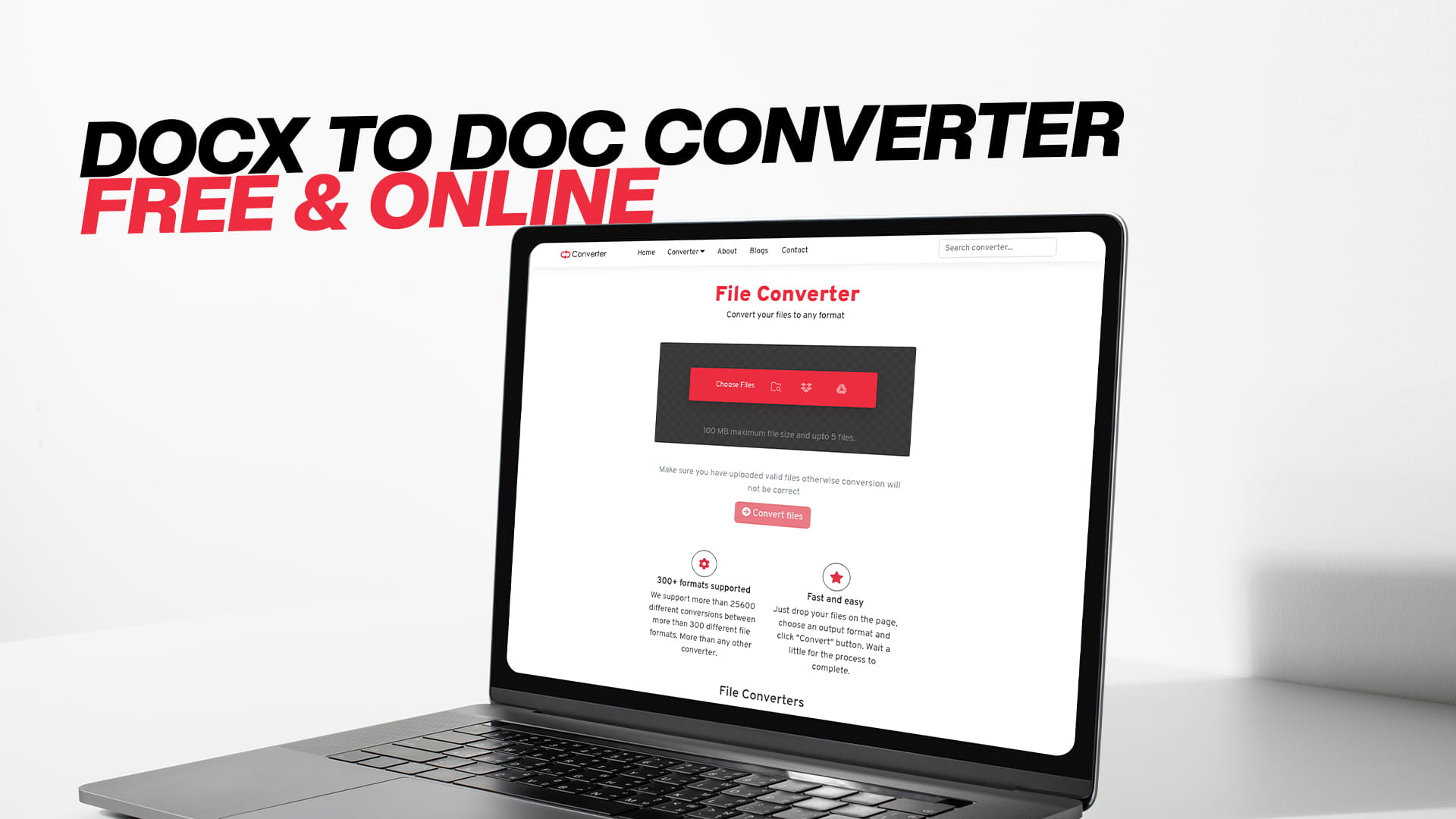
DOCX to DOC Converter — Free & Online
There are moments in everyday work life that feel simple but end up eating more time than they should. Sending a document to someone and hearing back that they cannot open it is one of those moments. It does not happen because someone made a mistake. It happens because two different versions of the same software handle files differently, and nobody thought about that until the problem showed up.
The DOCX and DOC situation is exactly this kind of problem. Both are Microsoft Word formats. Both hold text, images, tables, and formatting. But they are built differently on the inside, and older software cannot always read the newer format. When that compatibility gap causes a problem, you need a converter. Not a software installation. Not a technical workaround. Just a straightforward online tool that takes your DOCX file and gives you a DOC file in return.
Convertio is that tool. It is a free online file conversion platform that handles documents, images, audio, videos, PDFs, eBooks, compressed files, software files, and more. If you need to convert a DOCX file to DOC format right now, without downloading anything or setting up an account, Convertio handles it in a few clicks. Visit Convertio to start converting immediately at no cost.
This piece covers everything you need to know about the DOCX-to-DOC conversion — what the formats are, how they differ, why the conversion matters, and how to do it cleanly and for free.
Understanding the DOCX Format
DOCX is the default file format for Microsoft Word documents created with Office 2007 and all versions that came after it. When you open Word on a modern computer and save a document, the result is almost always a DOCX file unless you specifically choose something else.
The format is built on a standard called Open XML. Under the hood, a DOCX file is actually a compressed archive. If you were to rename a DOCX file with a .zip extension and open it, you would find a collection of XML files and folders that together make up the document. The text lives in one file, the styles in another, images are stored separately, and a set of relationship files connects everything together.
This design makes DOCX files lighter than the older DOC format in most cases. It also makes them more transparent — the structure is readable by other software, not just Microsoft Word. That is why Google Docs, LibreOffice, Apple Pages, and many other programs can open DOCX files without any issues. Open XML is a published, standardized format, and any software developer can build support for it.
For most people, DOCX is the format they work with every day without thinking about it. It is the standard, and it works well across the modern software landscape.
Understanding the DOC Format
DOC is the older Microsoft Word format. It was the default from the earliest versions of Word through Word 2003. For well over a decade, sending someone a Word document meant sending a DOC file. Entire industries built their document workflows around it.
Unlike DOCX, DOC uses a binary format. The data inside is stored as a stream of binary information rather than human-readable XML. This binary structure is what makes it incompatible with newer software by default — the software needs to know exactly how to interpret the binary data, and that knowledge is specific to the format version.
DOC files can store everything you would expect from a word processor document: paragraphs of text, headers and footers, fonts and styling, tables, embedded images, and more. The format is capable and was entirely adequate for years of professional document work.
Today, DOC is largely a legacy format. Most people creating new documents do not choose DOC. But the format has not disappeared, and it will not for a long time. There are too many existing DOC files in archives, too many older systems that rely on DOC support, and too many situations where a DOC file is specifically required.
The Key Differences Between DOCX and DOC
Knowing the surface difference between the two formats helps, but understanding the actual technical gaps matters more when you are deciding whether to convert a file.
The internal structure is the biggest difference. DOCX uses Open XML, which is an open international standard. DOC uses Microsoft's proprietary binary format from an earlier era of software development. This structural difference is why DOCX files are generally more widely supported in modern software, while DOC files are more reliably opened by older software.
File size is another difference, though it depends on the document. DOCX files are often smaller because the ZIP compression applied to the XML components reduces the overall size. DOC files sometimes end up larger for the same content because the binary format does not use compression in the same way. For very large documents, this can become a practical consideration.
Feature support differs between the two as well. DOCX supports newer Word features that were introduced after the DOC format stopped being updated. If you use certain advanced styles, newer chart types, or features introduced in modern Word versions, they may not translate cleanly into DOC. For standard documents — letters, reports, resumes, memos, contracts — this is rarely a problem. The common features all carry over well.
Recovery and repair is another area where the formats behave differently. Because DOCX files are structured XML inside a ZIP container, some recovery options exist if a file gets corrupted. The individual XML components can sometimes be extracted and repaired. DOC binary files are harder to recover from corruption because the data structure is less accessible without specialized tools.
Compatibility is the difference that drives the need for conversion. DOCX works everywhere modern. DOC works everywhere, including older systems that cannot handle the newer format. When the person or system you are dealing with is on the older side of that line, you convert.
Why People Still Need to Convert DOCX to DOC
Given that DOCX is the current standard and DOC is aging out, it is fair to ask why this conversion still comes up so often. The answer is that the world does not upgrade uniformly.
Legacy software is everywhere. There are businesses, schools, and government offices that still run Microsoft Office 2003 or similar era software. These organizations may have made large investments in training staff on those systems, or they may simply have no budget or urgency to upgrade. When someone on a modern computer sends them a DOCX file, that file either opens incorrectly or not at all without the compatibility pack that Microsoft released years ago.
Document submission systems in some industries have not been updated. Certain legal document portals, academic submission platforms, and government e-filing systems were built at a time when DOC was the standard. Some of these systems were never updated to accept DOCX. If the system says DOC is required, DOC is what you submit.
Old template and macro files sometimes only function correctly in DOC format. If an organization built important document templates using older Word versions and those templates rely on macros or styles specific to the binary format, using DOC continues to be a requirement.
There are also archiving reasons. Some document archivists specifically want DOC files for older records because the format matches the era when those records were originally created. Keeping archives consistent in format is a legitimate organizational preference.
And sometimes it simply comes down to what a client or recipient asks for. If someone sends you a message that says "please send it as a DOC file," you convert it and send it. The reason does not always matter. What matters is that you can do it quickly and without trouble.
How to Convert DOCX to DOC Free Online with Convertio
The process of converting a DOCX file to DOC using Convertio is simple enough that you can walk through it the first time without any instructions and still get it right. But for anyone who prefers to know what to expect before they start, here is how it works from beginning to end.
Open your web browser and go to Convertio. The homepage gives you direct access to the conversion tool. You do not need to sign up, register, or log in to use the free conversion features.
On the conversion page, you will see a file upload area. Click the button to browse your computer and select the DOCX file you want to convert. Convertio also supports dragging and dropping a file directly onto the upload area if that is more convenient. If you have multiple DOCX files you need to convert, you can add them all at once and run batch conversions.
After your file is uploaded, choose DOC as the output format. Convertio supports a wide range of document output options, so make sure you select DOC specifically from the list before proceeding. The format selector is clearly labeled and easy to find.
Once you have selected DOC as the target format, click the convert button. Convertio sends your file to its servers, performs the conversion, and returns the result. For most standard documents, this takes only a few seconds. If you are converting a long document with many images or complex formatting, it may take slightly longer, but the wait is still short by any measure.
When the conversion is finished, a download button appears. Click it to save the converted DOC file to your device. The original DOCX file is not modified. You simply receive a new DOC version of the document.
From the moment you land on the site to the moment you have the converted file in hand, the entire process typically takes under two minutes. For most people, it takes less time to convert the file than it took to find the right tool in the first place.
What to Check After Converting
Conversion tools handle the technical work of transforming one format into another, but no automated process is perfect in every situation. Taking a few minutes to review the converted DOC file before using it saves you from surprises later.
Open the converted DOC file in Microsoft Word, LibreOffice, or whichever word processor you use. Scroll through the entire document and look at each section rather than just checking the first page.
Pay attention to text formatting. Fonts should appear the same as in the original. Headings, bold text, italics, and underlines should carry over correctly. In most standard documents, they do.
Look at any tables in the document. Table formatting sometimes shifts slightly during conversion, particularly if the tables used complex merged cells or custom borders. Check that the table content is complete and that the layout looks right.
Check images and any embedded objects. Images should appear in the same positions and at the same sizes. If the original DOCX included charts, SmartArt, or other objects, verify that they converted cleanly or that an acceptable version is present in the DOC file.
Review page breaks and spacing. Sometimes a conversion introduces extra blank lines or moves a page break slightly. A quick scroll through the full document makes it easy to spot these and fix them manually if needed.
If the document includes headers and footers — page numbers, company names, document titles — confirm that these are intact and displaying correctly.
For most everyday documents, everything will look exactly as expected. The review step takes only a couple of minutes and gives you confidence before you send or submit the file.
Using Convertio on Different Devices
One of the practical advantages of an online conversion tool is that it works on any device with a web browser and an internet connection. This matters more than it might seem at first.
If you are working on a Windows desktop or laptop, Convertio opens in any browser — Chrome, Firefox, Edge, or others — and the experience is smooth and straightforward.
If you are on a Mac, the same is true. macOS users sometimes run into limitations with Windows-specific software, but a browser-based tool has no such restrictions. The conversion works identically regardless of your operating system.
Mobile users can also use Convertio. If you need to convert a DOCX file while you are away from your desk, you can do it from your phone. Open a browser on your Android or iPhone, navigate to Convertio, upload the file from your device's storage, and download the converted version. The mobile experience is functional and works well for standard conversions.
This device flexibility is genuinely useful in a world where people work from multiple devices throughout the day. You should not have to wait until you are back at a specific computer to complete a simple file conversion.
What Else Convertio Can Convert
After using Convertio for a DOCX to DOC conversion, it is worth knowing the full scope of what the platform handles, because file format problems come in many shapes.
For documents, Convertio supports conversions between formats including DOCX, DOC, PDF, ODT, RTF, TXT, HTML, and others. This covers the most common document scenarios: turning a PDF into an editable Word document, converting a plain text file into something with proper formatting, or moving between different word processor formats when collaborating with people on different software.
For images, the platform handles a broad list of formats including JPG, PNG, GIF, BMP, TIFF, SVG, WEBP, HEIC, ICO, and more. Image format conversions come up often when you need a photo in a specific format for a website, a print project, or an application that only accepts certain image types.
For audio, Convertio works with MP3, WAV, FLAC, AAC, OGG, M4A, WMA, and other common formats. If you receive an audio file in a format your software or device does not support, converting it to MP3 or another widely supported format solves the problem immediately.
For video, the platform supports MP4, AVI, MOV, MKV, WMV, FLV, WEBM, and more. Video files tend to be larger, so the conversion takes longer, but the process is the same straightforward upload-convert-download workflow.
For PDFs, Convertio handles conversion in both directions. You can convert other file types into PDF, or convert a PDF into a format that can be edited. PDF conversion is one of the most common needs people have, and having a reliable free tool for it is consistently useful.
For eBooks, the platform supports EPUB, MOBI, AZW, FB2, and other formats. If you buy an eBook in one format but your reader requires another, or if you want to read something on a Kindle that only came as an EPUB, Convertio handles the conversion.
For compressed files, Convertio supports ZIP, RAR, 7Z, TAR, GZ, and other archive formats. Being able to convert between compression formats in a browser saves you from needing to install dedicated archiving software.
Having access to all of these conversion types in one place, for free, through a browser, is genuinely useful. File format problems are an ongoing reality of working with digital files across different software, devices, and systems. Convertio covers most of the scenarios you are likely to encounter.
Why Online Converters Make More Sense Than Desktop Software
For occasional conversions, an online tool like Convertio is better than downloading dedicated desktop software in almost every way.
Desktop software takes time to find, download, and install. If you are converting files only a few times a month, or even a few times a year, going through the installation process each time you need a new format is a poor use of time. Online tools are available instantly.
Desktop software also takes up space on your computer and requires updates to stay functional and secure. An online tool requires nothing from your computer except a browser. It is always up to date because the tool lives on the server, not your machine.
Compatibility is simpler with online tools. Desktop software designed for Windows may not run on Mac, and vice versa. An online tool runs in a browser, which exists on every platform. You do not have to think about operating system compatibility.
For businesses and individuals who deal with file conversions regularly, dedicated desktop software can still make sense because of batch processing speed and offline availability. But for the large majority of everyday users who need to convert a file here and there, an online tool is the faster and easier choice every time.
Keeping Files Safe During Online Conversion
Sending a file to an online service for processing raises a reasonable question about privacy and security. It is a question worth taking seriously rather than ignoring.
Convertio processes files on its servers during conversion and deletes them automatically after a period of time. Files are not permanently stored. The platform handles a large volume of conversions from users around the world, which reflects a track record of reliable and trustworthy operation.
For standard business documents, correspondence, reports, and personal files, using Convertio poses no greater risk than sending an email attachment through a major email service. The file passes through a server, the work is done, and the file is deleted.
For highly sensitive materials — confidential legal documents, medical records, financial information with personal identifiers — it is reasonable to exercise extra caution with any online service. In these situations, consider whether the document contains information that requires stricter handling, and make that decision based on your own assessment of the risk.
For the vast majority of documents most people need to convert, Convertio is a safe and appropriate choice.
Practical Scenarios Where This Conversion Matters
Putting real context around the conversion helps illustrate why it actually matters for different types of people.
A job seeker applies online through an older company portal that requires DOC format. The resume was written in a modern version of Word and saved as DOCX. Rather than reformatting the entire document from scratch, the applicant visits Convertio, converts the resume from DOCX to DOC in under two minutes, and submits it successfully.
A small business owner is working with a client whose accounting department still uses Office 2003. Every contract the client sends back comes in DOC format. The business owner receives these contracts in DOC and needs to send documents back in the same format. Convertio handles each conversion quickly, and the back-and-forth workflow continues without friction.
A student submitting work through a university system that was set up in 2005 gets an error message when trying to upload a DOCX file. The system only accepts DOC. The student converts the file using Convertio and submits successfully before the deadline.
A nonprofit organization is digitizing old records and needs all new additions to match the DOC format of the existing archive. Staff members creating documents in modern Word convert each file to DOC before archiving, using Convertio as part of the standard workflow.
A freelance writer delivers work to an editor at a publishing company that uses an older content management system. The system only imports DOC files. The writer finishes work in DOCX and converts before delivery every time.
These scenarios are not unusual. They represent the kinds of real situations that come up across many industries and contexts. The common thread is that a quick, free, reliable conversion tool resolves the problem without drama.
Simple Tips for a Better Conversion Experience
A few habits make the conversion process smoother, especially when you are doing it regularly or converting important documents.
Always save the original DOCX file before converting. Convertio does not modify your original file, but keeping an untouched backup is good practice. Store the original and the converted DOC file in clearly named folders so you can tell which is which.
Check document complexity before converting. If the DOCX file includes advanced features like text boxes with special formatting, complex multi-level tables, or linked objects, spend an extra moment reviewing the converted DOC file. These elements sometimes need minor manual adjustments.
Use descriptive file names. When downloading the converted DOC file, rename it clearly if needed. Something like "ProjectProposal_DOC.doc" makes it immediately obvious that this is the converted version separate from the original "ProjectProposal.docx."
For batch conversions, upload all the files at once rather than doing them one by one. Convertio handles multiple files in a single session, which saves time when you have several documents to convert.
If the first conversion result is not quite right — perhaps a table shifted or an image landed in the wrong position — try simplifying the formatting in the DOCX file before converting again. Removing complex nested styles or restructuring a complicated table often results in a cleaner DOC output.
Final Thoughts
File format compatibility is one of those problems that most people do not think about until it stops them in their tracks. The moment a document gets rejected by an upload system or comes back from a client as unreadable, it becomes urgent. And at that point, having a tool you can rely on makes the difference between a five-minute fix and a prolonged headache.
Converting DOCX to DOC is a specific but common need. The formats have been around long enough that the gap between them affects millions of file exchanges every year. Whether the reason is an old system, a submission requirement, a client preference, or an archiving standard, the solution is the same.
Convertio makes the conversion free, fast, and accessible from any device. No software to download. No account required. No technical knowledge needed. You bring the file, choose the format, and get the result. That is the whole process.
And because Convertio handles so much more than just document formats — images, audio, video, PDFs, eBooks, compressed files, and software files — it is the kind of tool that earns a permanent place in your browser bookmarks. File format problems do not stop at DOCX and DOC. When the next one comes up, whether it is an audio file in the wrong format or a PDF that needs to become editable, Convertio will be ready for it.
Visit Convertio and start converting for free. The DOCX to DOC conversion takes a couple of minutes, and everything you need is already there waiting for you.