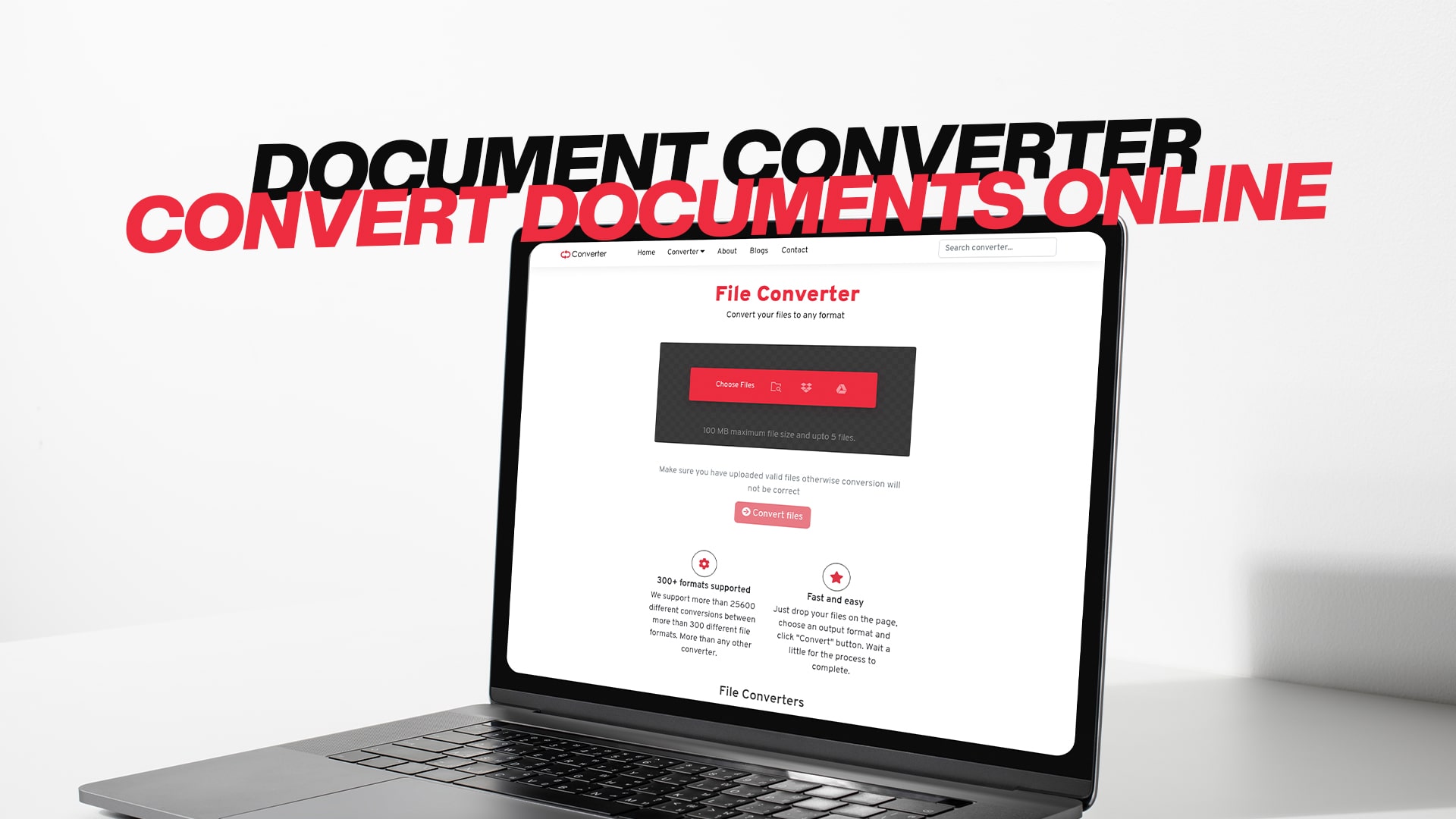
Document Converter | Convert Documents Online
A document converter is a tool that helps you change files from one format to another. This means you can take a file that is in one type and turn it into a different type. For example, you might have a Word document, but you need it to be a PDF file instead. A document converter makes this easy and quick.
Many people need to convert files every day. Students need to change their homework files. Business people need to convert documents for work. Teachers need to convert files for their classes. Anyone who works with files on a computer might need a converter at some point.
The good news is that you don't need to buy special software or learn difficult steps. A good document converter is simple to use. You can convert your files in just a few seconds. You don't need to be a computer expert to do it.
Why You Need a Document Converter
There are many reasons why you might need to convert your documents. Let me explain some of the most common reasons.
Different Programs Need Different Formats
Sometimes people send you files in formats that your program doesn't recognize. For example, someone might send you a file made in Google Docs, but you use Microsoft Word. Instead of downloading new software, you can just convert the file to a format that works with your program.
Working with Different Devices
Your phone, tablet, and computer might all like different file formats. A document converter helps you change files so they work on all your devices. You can convert a document on your computer and then open it on your phone without any problems.
Sharing Files with Others
When you need to share files with other people, they might not have the same software as you. Converting your file to a format that everyone can use makes sharing easy. A PDF file, for example, can be opened on almost any device in the world.
Making Files Smaller
Sometimes files are too large to send by email or upload to a website. Converting a file to a different format can make it smaller. This helps you save space and share files faster.
Protecting Your Documents
Some file formats are safer than others. Converting your file to a protected format like PDF can help keep your document safe. People can read your document, but they can't easily change it without special tools.
Types of Files You Can Convert
A good document converter should be able to handle many different types of files. Let me tell you about the main types.
Document Files
Document files include Word files, text files, and other writing files. These are files you use when you write letters, reports, or stories. Common document formats include DOC, DOCX, TXT, and RTF. You might need to convert these when you work with people who use different programs.
PDF Files
PDF stands for Portable Document Format. A PDF file looks the same on every computer and phone. Many people need to convert files to PDF because it's a safe and popular format. You might also need to convert a PDF to another format if you want to edit the document.
Image Files
Image files include photos and drawings. Common image formats are JPG, PNG, and GIF. You might need to convert images when you want to use them on different websites or programs. Some programs work better with certain image types.
Video Files
Video files can be very large. Converting videos to different formats helps them work on different devices and programs. Common video formats include MP4, AVI, and MOV. You might convert a video to make it smaller or to use it on a specific platform.
Audio Files
Audio files are music and sound recordings. Converting audio files helps you play them on different devices. Common audio formats include MP3, WAV, and AAC. You might convert an audio file to listen to music on your phone, computer, or in your car.
Compressed Files
Compressed files are folders or files that have been made smaller. ZIP and RAR are common compressed formats. You might need to convert compressed files to use them on different computers or devices.
eBook Files
eBook files are digital books. Common eBook formats include EPUB, MOBI, and PDF. You might need to convert eBooks to read them on different devices, like tablets or eBook readers.
How to Use an Online Document Converter
Using a document converter is simple and easy. Let me walk you through the basic steps so you understand exactly how it works.
Step One: Find the Right Converter
First, you need to find a converter that can handle your file type. Make sure the converter supports both the format you have and the format you want. For example, if you want to convert a Word file to PDF, you need a converter that works with both formats.
Step Two: Upload Your File
Next, you upload the file you want to convert. Most converters have a button that says "Choose File" or "Upload File." Click this button and find the file on your computer. You can also sometimes drag and drop your file into the converter.
Step Three: Choose Your Output Format
Now you need to tell the converter what format you want your file to be. Click on the dropdown menu and select the format you need. The converter will show you all the formats it can create.
Step Four: Start the Conversion
Click the "Convert" button or "Start" button. The converter will now change your file from one format to another. This usually only takes a few seconds, but it can take longer for very large files.
Step Five: Download Your File
When the conversion is done, you will see a download button. Click this button to save your new file to your computer. The file will be saved in your Downloads folder unless you choose a different location.
Benefits of Using Convertio
Convertio is a popular choice for people who need to convert files. Here are the main benefits of using Convertio for your file conversions.
It is Completely Free
You don't need to pay any money to use Convertio. You can convert as many files as you want without spending a single dollar. There are no hidden fees or surprise charges. Free means free.
It Works with Many File Types
Convertio can convert images, audio files, videos, documents, PDFs, eBooks, software files, compressed files, and more. Whether you need to convert a photo, a song, a movie, or a document, Convertio can help. This makes it a one-stop shop for all your conversion needs.
You Don't Need Special Software
You don't need to download or install anything on your computer. Convertio works in your web browser. This means it works on Windows, Mac, Linux, and any other operating system. You just need an internet connection.
Your Files Stay Private and Safe
Convertio keeps your files safe and private. The tool doesn't store your files after conversion. Your files are not shared with anyone else. You can feel confident that your private documents stay private.
The Process is Fast and Easy
Converting files with Convertio is quick and simple. You don't need to be a computer expert. Even if you have never converted a file before, you can do it with Convertio. The whole process usually takes just a few seconds.
You Can Convert Multiple Files
Many versions of Convertio let you convert more than one file at the same time. This is called batch conversion. If you have ten files to convert, you can upload all ten at once instead of doing them one at a time. This saves you lots of time.
No Quality Loss
When you convert a file with Convertio, the quality stays the same. Your document will look the same after conversion. Your photos will look as clear. Your videos will play just as well. You don't lose anything when you convert.
Common File Conversions Explained
Let me explain some of the most common conversions people need to do.
Converting Word to PDF
Many people need to convert Word documents to PDF. This is simple with Convertio. You upload your Word file, select PDF as the output format, and download your PDF. The PDF will look exactly like your Word document, but no one can easily edit it.
Converting Images Between Formats
Maybe you have a PNG image, but you need a JPG. Or you have a GIF and you need a PNG. Convertio can change images from one format to another in seconds. All your pictures and drawings can be converted to the format you need.
Converting Videos for Different Devices
Videos come in many formats. MP4 is popular, but some devices need AVI or MOV. If you made a video and it won't play on your phone, you can convert it to a format that works. Convertio can handle video conversion easily.
Converting Audio Files
If you have a WAV file but you need an MP3, Convertio can convert it. Audio conversion is common because MP3 files are smaller and easier to share than other audio formats. You can convert your favorite songs or audio recordings to any format you need.
Converting PDFs Back to Documents
Sometimes you need to edit a PDF file. You can convert the PDF back to a Word document or other format. Then you can make changes to it. When you're done, you can convert it back to PDF if you want.
Converting Documents to Other Formats
You might need to convert a Word document to a Google Docs format, or to a text file, or to a different type. Convertio supports conversions between many document types. This makes it easy to work with people who use different programs.
Tips for Getting the Best Results
When you convert files, there are some things you can do to get the best results.
Use High Quality Original Files
Start with the best quality file you can. If you convert a low-quality file, the result will also be low quality. Think of conversion like photocopying. If you copy a clear original, you get a clear copy. If you copy something blurry, your copy will be blurry too.
Choose the Right Output Format
Make sure you choose the format that is best for your needs. Different formats are better for different purposes. PDF is great for sharing documents. JPG is good for photos. MP4 is popular for videos. Think about what you'll use the file for, then choose the right format.
Check Your File Size
Large files take longer to convert. If you have a very big file, it might take a few minutes instead of a few seconds. This is normal. Be patient and let the conversion finish.
Save Your Original File
Keep the original file even after you convert it. Sometimes you might need to convert it again to a different format, or you might want to make changes to the original. Having backups is always a good idea.
Give Your File a Clear Name
When you download your converted file, give it a clear name that tells you what it is. Instead of "file1" or "document," try "Invoice_December_2024" or "Family_Photos_Summer." This helps you find what you need later.
Why Choose Convertio Over Other Tools
There are many file conversion tools out there. Here's why Convertio stands out from the rest.
Convertio works fast. Most conversions finish in just a few seconds. The tool uses advanced technology to make conversions quick without losing quality. You won't waste time waiting for your files to convert.
The website is easy to use. You don't need instructions or help. Even beginners can figure out how to use Convertio right away. The buttons are clear, and the process is simple.
Convertio supports more file types than many other converters. Whether you need to convert documents, images, videos, audio, eBooks, or compressed files, Convertio can do it. You might not need any other conversion tool.
The tool is safe and secure. Your files are not saved after conversion. Your information stays private. You can trust Convertio with your important documents and files.
Convertio works on any device with an internet connection. You can use it on your computer, phone, or tablet. You can use it at home, at work, or at school. Convertio is always available when you need it.
The service is reliable. Convertio has been around for a long time. It works well day after day. You can depend on Convertio to convert your files successfully every time.
Getting Started With Convertio Today
Ready to start converting your files? Getting started with Convertio is simple.
Visit the Convertio website in your web browser. You don't need to create an account or sign in. You can start converting files right away. The website is free to use.
Upload the file you want to convert. Choose the format you want. Click the convert button. Download your file. That's it. In just a few seconds, you have your converted file.
You can convert as many files as you want. There are no limits. You can convert one file or one hundred files. The service is free every time.
Conclusion
Converting files doesn't have to be difficult or expensive. Convertio makes it simple. Whether you need to convert documents, images, videos, audio, or any other type of file, Convertio can help. The tool is free, fast, easy to use, and safe. You don't need special software or technical knowledge. Just visit Convertio, upload your file, choose your format, and download your result. It's that simple. Start converting your files today and see how easy it can be.