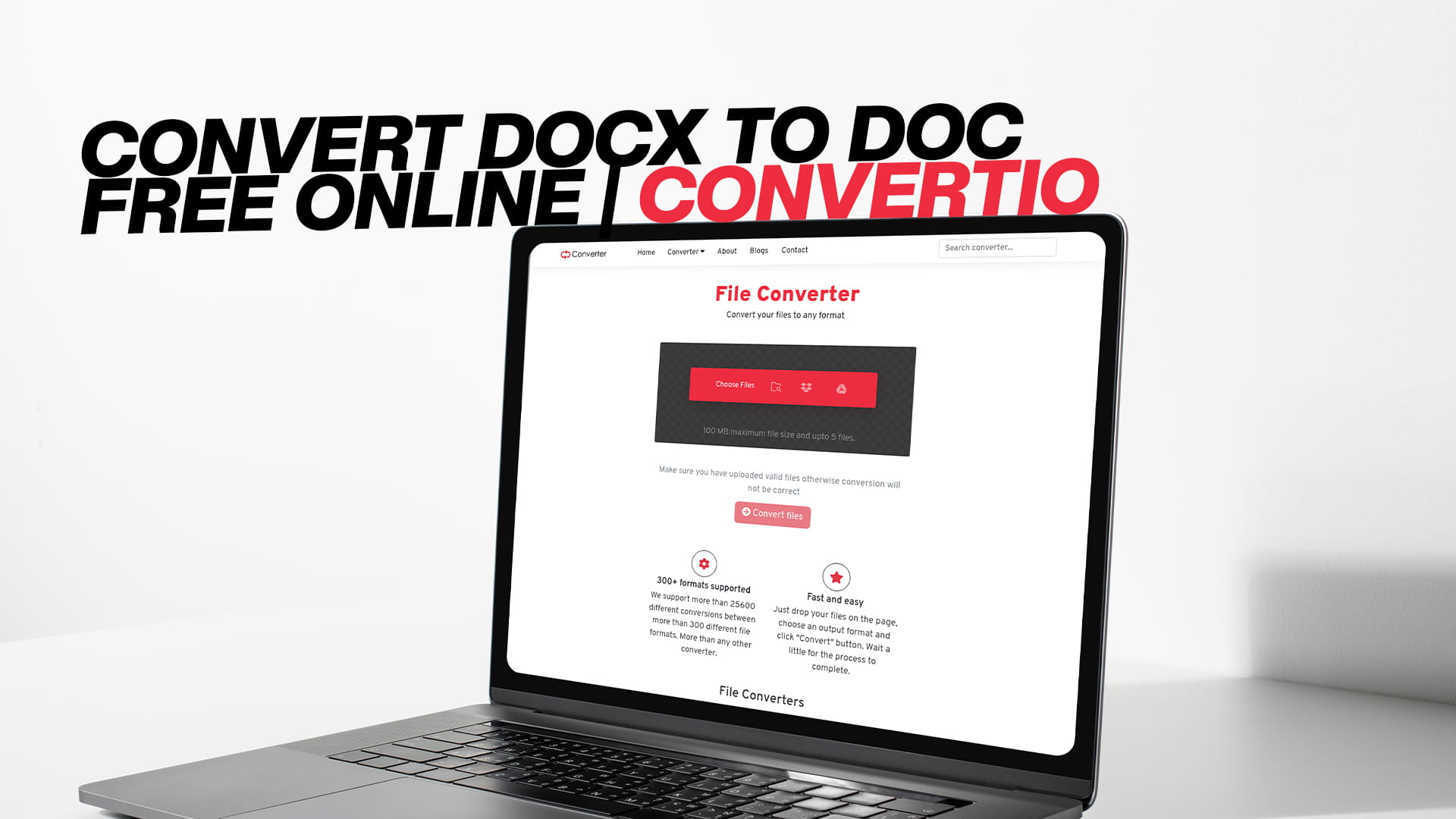
Convert DOCX to DOC Free Online | Convertio
If you have ever opened a file on an older computer and got a message saying the file cannot be opened, you already know the pain of file format problems. This happens a lot when someone sends a DOCX file and the person on the other end is running an older version of Microsoft Word that only reads DOC files. It is a simple problem, and the fix is just as simple. You convert the file. And the best way to do that, without downloading any software or spending a single rupee, is to use Convertio.
Convertio is a free online file conversion tool that handles almost every format you can think of. Images, audio, video, documents, PDFs, eBooks, compressed files, software files — it covers all of it. For anyone who needs to convert a DOCX file to DOC format quickly and without any fuss, Convertio is one of the most reliable options available on the internet today.
This guide will walk you through everything you need to know about DOCX and DOC formats, why the difference matters, when you actually need to convert between the two, and how to do it for free using Convertio.
What Is a DOCX File
A DOCX file is a word processing document created by Microsoft Word. It uses a format called Open XML, which Microsoft introduced with the release of Office 2007. The "X" at the end of DOCX stands for XML, which is a type of structured data format that makes files smaller and easier to work with across different software systems.
When you type a letter, write a report, or put together a resume in Microsoft Word today, the file you save is almost certainly a DOCX file. It stores your text, images, tables, fonts, styles, and formatting all inside a compressed package. Because of this structure, DOCX files are generally smaller in size than older DOC files, and they tend to be more stable and less prone to corruption.
DOCX is now the standard format for word processing across most of the world. If someone asks you to send a document, they most likely expect a DOCX file. It opens in Microsoft Word, Google Docs, LibreOffice, Apple Pages, and many other programs. It is widely supported and works well in most modern environments.
What Is a DOC File
A DOC file is the older version of a Microsoft Word document. It was the default format used by Word from the early versions all the way up to Word 2003. Instead of the XML structure used in DOCX, DOC files use a binary format, which means the data is stored in a different way that older versions of Word were built to read.
DOC files can also store text, images, formatting, tables, and other document elements. For years, DOC was the industry standard for word processing. Many offices and institutions still have archives full of DOC files. Some older software systems and document management tools only accept DOC format. In some parts of the world, government offices and educational institutions still use older systems that cannot read DOCX files properly.
This is where the need to convert comes from. A file created today in DOCX might need to be shared with someone who still runs Word 2003, or it needs to be uploaded to a system that only accepts DOC. In these situations, converting the file from DOCX to DOC is the only clean solution.
DOCX vs DOC: What Is Actually Different
The core difference between DOCX and DOC comes down to how the data is structured inside the file. DOCX uses Open XML, which is a modern, open standard. This means the file is essentially a zip archive containing XML files and other resources. If you rename a DOCX file to .zip and extract it, you can actually see all the parts inside.
DOC uses the older Binary Interchange File Format, sometimes called BIFF. It stores data in a single binary stream, which is why it was the default before XML became widely used. This older format is more rigid and less transparent compared to DOCX.
In practical terms, the differences you will notice include file size, compatibility, and features. DOCX files are typically smaller. DOCX supports newer formatting features that DOC does not. However, DOC is compatible with older software, which is the main reason people still need it.
Another important difference is that when you convert from DOCX to DOC, some advanced formatting features may not carry over perfectly. Things like complex styles, newer chart types, or certain embedded objects may behave differently in DOC. In most cases, standard documents with text, basic tables, and common formatting convert without any visible changes. But it is always a good idea to review the converted file before sending it.
Why Would You Need to Convert DOCX to DOC
There are several real-world reasons why someone would need to do this conversion. It is not something that happens every day, but when it does come up, you need a fast and reliable solution.
The most common reason is compatibility. If the person receiving your file uses an older version of Microsoft Word — specifically Word 2003 or earlier — they cannot open a DOCX file without installing a compatibility pack or using a different program. Converting to DOC removes that barrier completely.
Another reason is legacy systems. Some companies, schools, hospitals, and government agencies run older document management software. These systems were built when DOC was the standard and have not been updated to handle DOCX. Submitting a DOC file is the only way to get the document into the system correctly.
Some online submission portals also specify DOC format. Academic submission systems, legal document portals, and certain job application platforms still list DOC as the required or preferred format. In these cases, submitting a DOCX file might cause an error or get rejected.
There are also situations involving template files and macros. If someone built an important document template in an older version of Word, it might only work correctly when the file is in DOC format. Converting a new document to DOC to use with that template is sometimes the most practical approach.
Finally, some people simply prefer the older format for personal or organizational reasons. Habits built over years of using DOC files do not disappear overnight, and there is nothing wrong with wanting to work in a format you are comfortable with.
How to Convert DOCX to DOC Free Using Convertio
Converting a DOCX file to DOC using Convertio takes only a few minutes. You do not need to install any software. You do not need to create an account. The process works directly in your web browser.
Go to Convertio and look for the document conversion section. The website is clean and easy to navigate. Once you are on the conversion page, you will see an option to upload your file. Click the button to browse your computer and select the DOCX file you want to convert. You can also drag and drop the file directly onto the page if you prefer that method.
After the file is uploaded, you need to select the output format. Choose DOC from the list of available formats. Convertio supports a wide range of document formats, so make sure you select DOC specifically before you proceed.
Once you have selected the output format, click the convert button. Convertio will process your file on its servers. The conversion usually takes just a few seconds for a standard-sized document. Larger files with many images or complex formatting may take a little longer, but it is still much faster than downloading and installing dedicated conversion software.
When the conversion is complete, a download button will appear. Click it to save the converted DOC file to your computer. At this point, the conversion is done. You can open the file in Microsoft Word, LibreOffice, or any other word processor that supports DOC format and verify that everything looks correct.
The whole process — from uploading the file to downloading the converted version — takes less than two minutes in most cases. That is the convenience that makes Convertio stand out as a tool.
Why Use Convertio for File Conversion
There are several online tools that offer file conversion, but Convertio has some qualities that make it genuinely worth using rather than just a fallback option.
The first thing most people appreciate is how broad the support is. Convertio handles more than 300 different file formats. This includes not just document formats like DOCX and DOC, but also image formats like JPG, PNG, SVG, and TIFF; audio formats like MP3, WAV, FLAC, and AAC; video formats like MP4, AVI, MOV, and MKV; PDF conversion in both directions; eBook formats like EPUB and MOBI; compressed file formats like ZIP and RAR; and software-related file types as well. If you have a file that needs converting, there is a very strong chance Convertio can handle it.
The second thing is that it is genuinely free for standard use. You can convert files without creating an account and without entering payment information. There are no hidden fees for basic conversions. If you need to process large volumes of files or want access to premium features, paid plans exist, but for most everyday users, the free version does everything needed.
The third quality is ease of use. The interface is not complicated. You upload a file, choose a format, convert, and download. There are no confusing menus or unnecessary steps. This makes it accessible to people who are not particularly comfortable with technology, which is exactly the kind of tool that should exist for tasks like file conversion.
Security is another point worth mentioning. Convertio processes files on its servers and automatically deletes uploaded files after a set period. If you are handling sensitive documents, it is worth knowing that the files are not stored permanently. As with any online tool, use your own judgment when uploading highly confidential materials, but for standard business and personal documents, Convertio handles files in a reasonable way.
Convertio also works on any device. Whether you are on a Windows PC, a Mac, an Android phone, or an iPhone, as long as you have a modern web browser and an internet connection, the tool works the same way. This is useful when you need to convert a file while away from your main computer.
Common Questions People Have About This Conversion
People who are new to file conversion often have a few concerns before they try it for the first time. These come up often enough that it helps to address them directly.
One concern is whether the converted DOC file will look exactly the same as the original DOCX file. In most cases, yes. Standard documents with regular text formatting, common fonts, bullet points, numbered lists, and simple tables convert cleanly. You may notice minor differences in spacing or layout in some cases, especially if the original DOCX used advanced features or custom styles that do not have a direct equivalent in the older DOC format. Always check the converted file before sending it.
Another concern is file size. DOC files are sometimes larger than their DOCX counterparts because of how the binary format works. This is generally not a problem for most users, but if you are working with a file size limit, it is worth keeping in mind.
People also ask whether they can convert multiple files at once. Convertio does support batch conversion, which means you can upload several files and convert them all at the same time. This saves a lot of time when you have many documents to process.
Some people wonder whether the conversion works for very large documents with dozens of pages and many images. It does, though processing time increases with file size. For most professional documents, even longer ones, the conversion is handled smoothly.
Other Conversions Convertio Supports
Once you use Convertio for DOCX to DOC conversion, it is worth knowing about the other things it can do, because there is a good chance you will need those features at some point.
For documents, Convertio handles conversions between DOC, DOCX, PDF, ODT, RTF, TXT, HTML, and several other formats. If you have a PDF that you need to edit in Word, you can convert it to DOCX. If you have a plain text file that needs to be turned into a proper Word document, Convertio can do that too.
For images, the platform supports conversions between JPG, PNG, GIF, BMP, TIFF, SVG, WEBP, HEIC, and many more. You can resize, change format, and convert between different image types with ease.
For audio, you can convert between MP3, WAV, FLAC, AAC, OGG, M4A, and other formats. This is useful if you have audio files that only play in certain applications and need them in a more universal format.
For video, Convertio handles MP4, AVI, MOV, MKV, WMV, FLV, and others. Video conversion is typically more time-consuming than document or image conversion because of file sizes, but the process works the same way.
For eBooks, conversions between EPUB, MOBI, AZW, PDF, and other formats are supported. If you want to read a book on a Kindle that only accepts MOBI but you only have the EPUB version, Convertio solves that in a few clicks.
For compressed files, the tool handles ZIP, RAR, 7Z, TAR, and similar formats. Being able to convert between compression formats online without needing to install software like WinRAR or 7-Zip is genuinely convenient.
This range of support means Convertio is not just a single-use tool. It is a resource you can return to whenever you run into a file format problem, which happens more often than most people expect.
Tips for Getting the Best Results When Converting DOCX to DOC
A few simple practices will help you get clean results from your conversions every time.
Before converting, save a backup of the original DOCX file. Conversion does not modify the original file when you use Convertio, but it is always a good habit to keep a copy of the source document.
Review your DOCX file before uploading it. If it contains very complex formatting, unusual fonts, or embedded objects like videos, note where those elements are so you can check them carefully in the converted DOC version.
After downloading the converted DOC file, open it and scroll through the whole document. Pay attention to page breaks, spacing, table alignment, and any images or charts. If something looks off, you may need to make minor manual adjustments in Word.
If you are converting a document that will be submitted to a specific system or sent to a specific person, it can help to confirm the exact format they need. Sometimes what looks like a DOC requirement is actually flexible, and DOCX is accepted too. It saves a step if you check before converting.
For large batches of files, use the batch conversion feature instead of uploading files one by one. It saves time and produces the same quality results.
The Bigger Picture: Why File Format Compatibility Still Matters
It might seem strange that in a world where we can video call someone on the other side of the planet in seconds, we still run into problems caused by different file formats. But the reality is that technology does not update at the same speed everywhere. Not every school, office, or government agency upgrades its software every year. Some run on systems that are ten or fifteen years old because those systems work, the staff know how to use them, and replacing them is expensive.
This means that file format gaps will remain a real problem for years to come. The gap between DOCX and DOC is one of the smaller ones, but it is also one of the most common. Millions of documents are exchanged every day, and a significant number of them run into compatibility problems at some point in the chain.
Having a free, reliable, browser-based tool like Convertio available makes this problem manageable. You do not need to install old software. You do not need to ask the other person to change what they are using. You just convert the file and move on. That is a practical solution to a practical problem.
The same logic applies to all the other formats Convertio supports. Whether it is an audio file that only plays in one app, a video that will not open on a particular device, or an eBook stuck in the wrong format, the answer is the same: find a good converter, upload the file, download the result, and get on with your day.
Final Thoughts
Converting a DOCX file to DOC does not have to be a complicated process. The formats are different in important ways, but the conversion itself is straightforward when you use the right tool.
Convertio makes the whole thing easy. You go to the site, upload your file, select DOC as the output format, click convert, and download the result. No software installation, no sign-up required, no cost for standard conversions. It works on any device and handles the conversion cleanly for the vast majority of documents you are likely to work with.
If you have a DOCX file that needs to become a DOC file — whether for compatibility with an older system, a submission requirement, or any other reason — Convertio is a good place to start. And once you are there, it is worth exploring the full range of what the platform can do. It handles images, audio, video, PDFs, eBooks, compressed files, and more, all through the same simple interface.
File format problems are small frustrations, but they slow things down at the worst times. Having a tool you trust to handle conversions quickly and reliably means one less thing to worry about. Convertio is that tool for millions of users, and it can be that tool for you too.