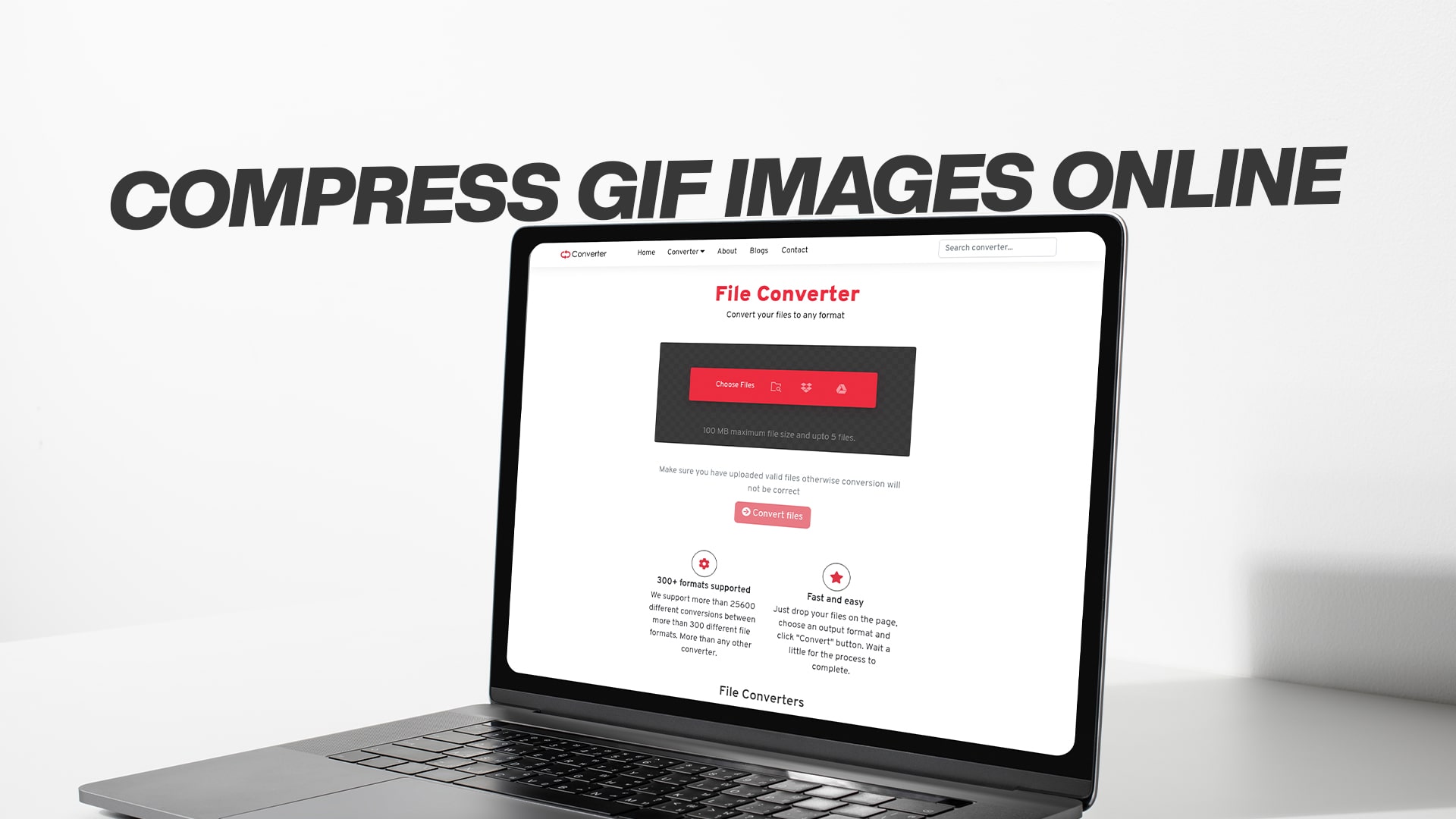
Compress GIF Images Online
GIF images are popular across the internet because they can show movement and animation without needing special video players. However, GIF files often become quite large, taking up valuable storage space and slowing down websites. When you want to share GIF images online or use them on your website, you need them to be smaller and faster to load.
Compressing a GIF image means making the file size smaller without losing too much quality. Think of it like squeezing a sponge. You remove some water from it, making it smaller, but it still works the same way. Similarly, when you compress a GIF, you reduce unnecessary data while keeping the image looking good.
Many people think they need special computer programs or technical knowledge to compress images. This is not true at all. Today, you can compress GIF images directly online using free tools. You do not need to download anything or be a computer expert.
Why You Should Compress Your GIF Images
There are several important reasons why compressing GIF images matters. First, smaller files load much faster on websites. When visitors come to your website, they want pages to open quickly. Large image files make pages slow. Google and other search engines care about website speed. Faster websites get better rankings in search results. This means compressing images can actually help your website perform better in search engines.
Second, compressed GIF images take up less storage space on your computer or cloud storage. If you use services like Google Drive, Dropbox, or OneDrive, you have a limited amount of storage space. Smaller files mean you can store more images and other documents.
Third, when you share GIF images through email or messaging apps, smaller files are much easier to send. Some email services limit the size of files you can attach. Compressed GIF images solve this problem.
Fourth, if you run a blog or website with many images, compression saves money. Some hosting services charge more if your website uses more storage space or bandwidth. Smaller files reduce these costs.
Finally, compressed images make your overall website experience better for visitors. People with slower internet connections appreciate faster-loading pages. Mobile phone users especially benefit from smaller files because they use less data from their phone plans.
How GIF Compression Works
Understanding how compression works helps you make better choices about your images. GIF compression works in a few different ways. The most common method is called lossless compression. This means the image loses no information at all. Every pixel remains exactly the same, and the image looks identical to the original.
Lossless compression removes duplicate information and empty space in the file. For example, if you have a GIF image with a large area of solid blue color, the file does not need to describe every single blue pixel separately. Instead, it can say "pixels one through one thousand are all blue." This single instruction replaces one thousand separate descriptions, making the file much smaller.
Some GIF compression tools also allow you to reduce the number of colors in your image. A GIF image can contain up to 256 colors. However, many GIF images use far fewer colors. Reducing the color palette can make files smaller. For example, a simple cartoon image with only ten colors can be compressed more than a photograph with hundreds of colors.
Another compression technique involves removing animation frames that look too similar. If a GIF animation has many frames showing almost the same image, removing a few frames makes the file smaller while keeping the animation looking smooth.
The key advantage of online GIF compression is that you do not need to understand these technical details. The tools do all the work for you. You simply upload your GIF image, and the compression happens automatically.
Benefits of Using Online GIF Compression Tools
Online compression tools offer many advantages over desktop software. First, they work on any computer, tablet, or smartphone. You do not need to install any programs. You just open your web browser and go to the tool's website.
Second, online tools are usually free. You do not need to pay anything to compress your GIF images. This saves money, especially if you need to compress many images.
Third, online compression is fast. You can compress an image in just a few seconds. The tool immediately processes your file and gives you a smaller version to download.
Fourth, online tools keep your files private. You simply upload your GIF image, it gets compressed, and you download the result. The tool deletes your file after compression. You do not need to worry about privacy issues.
Fifth, online tools are easy to use. They have simple interfaces that anyone can understand. You do not need computer skills or technical knowledge. Even children can use these tools successfully.
Sixth, online compression tools often let you adjust settings. You can choose how much compression you want. Some tools let you select the quality level. This gives you control over the final result.
Step-by-Step Guide to Compressing GIF Images Online
Compressing a GIF image online is very simple. Here is exactly what you need to do.
First, find a reliable online compression tool. Many free tools are available online. You need to find one that specifically handles GIF images and works well.
Second, open the tool in your web browser. Most tools have a simple design with an upload button in the center of the page.
Third, click the upload button. A window will open showing the files on your computer. Navigate to the folder where your GIF image is located.
Fourth, select the GIF file you want to compress. You can usually only upload one file at a time with most tools. However, some advanced tools let you upload multiple files at once.
Fifth, click the open or upload button. The file will begin uploading to the tool's server. This usually takes just a few seconds.
Sixth, wait for the compression to complete. The tool will automatically compress your GIF image. This process usually takes less than a minute, even for large files.
Seventh, download your compressed GIF image. The tool will provide a download button or link. Click it to save the smaller file to your computer.
Eighth, check the results. Open your compressed GIF image to make sure it looks good. Compare it to the original if needed.
That is the complete process. It takes just a few minutes and requires no special knowledge.
What to Look for in a Good GIF Compression Tool
Not all online compression tools are the same. Some are better than others. Here are the features that make a tool truly good.
First, the tool should support multiple file formats. You might not always have GIF images to compress. A good tool should also handle JPEG, PNG, WebP, and other image formats. This gives you more flexibility.
Second, the tool should show you how much space you saved. Knowing the file size reduction helps you understand the tool's effectiveness. Look for tools that show both the original file size and the new file size.
Third, the tool should maintain good image quality. A compression tool that makes files tiny but ruins the image is not useful. The best tools find a good balance between file size and quality.
Fourth, the tool should be completely free. Some tools are free for small files but charge money for larger files. Others are free but include annoying advertisements. Choose tools that are truly free without hidden charges.
Fifth, the tool should work on all devices. Whether you use a Windows computer, Mac, tablet, or smartphone, the tool should work perfectly. Web-based tools are best for this because they work on any device with a browser.
Sixth, the tool should be fast. Slow compression tools waste your time. Good tools complete compression in just seconds.
Seventh, the tool should clearly explain what it does. You should understand what will happen to your image before you compress it. The best tools provide clear information about their compression methods.
Convertio: Your Free Online Image Compression Solution
If you need a reliable, easy-to-use online compression tool, Convertio offers exactly what you need. This platform provides free conversion services for images, audio files, videos, documents, PDFs, eBooks, software files, compressed files, and much more.
Convertio makes GIF image compression incredibly simple. You visit the platform, upload your GIF file, and within seconds, you have a smaller, optimized version ready to download. The interface is clean and straightforward, making it perfect for anyone, regardless of their technical experience.
One of the best things about Convertio is its versatility. While many online tools specialize in just one type of file conversion, Convertio handles virtually every type of file you might need to compress or convert. Whether you have images, videos, audio files, or documents, Convertio has you covered.
The platform is completely free to use. You do not need to create an account or provide payment information. Just visit Convertio, upload your file, and start converting. You can compress as many files as you want without any limits or charges.
Convertio also prioritizes your privacy and security. Your files are processed safely, and they are deleted from the server after conversion. You can compress confidential images without worrying about them being stored or seen by others.
The tool supports a huge range of file formats and conversions. If you need to change a GIF image to a different format, resize images, adjust quality, or compress multiple files, Convertio can help. The platform makes these tasks easy and quick.
Best Practices for GIF Image Compression
To get the best results when compressing GIF images, follow these helpful tips.
Always keep a backup of your original image. Compression is permanent once you save the compressed file. Having the original ensures you can always go back if needed.
Test compression on a small copy first. If you are unsure about compression results, compress a test version first. Look at the results before compressing the final version.
Choose the right compression level. Maximum compression might make files too small, losing quality. Moderate compression usually provides the best balance.
Compress GIF images with simple designs more aggressively. Simple cartoons and graphics compress better than complex photographs.
Consider your use case. An image for a website can handle more compression than an image for printing.
Compare compression results between different tools. Different tools produce slightly different results. Try a few to find the one you like best.
Keep compression files organized. When you compress many images, organize them in folders to avoid confusion.
Document your compression settings. If you find settings that work well, write them down for future use.
Improving Your Website with Compressed Images
If you run a website, compressing images has direct benefits for your visitors and your search engine rankings.
Faster websites rank higher in Google searches. When you compress all your images, your website pages load faster. This improves your search rankings and brings more visitors.
Mobile users appreciate faster-loading pages. Most web traffic comes from mobile phones. Compressed images mean faster loading on phones, keeping mobile visitors happy.
Smaller images reduce hosting costs. If your hosting service charges based on bandwidth usage, smaller images mean lower bills.
Compressed images improve user experience. Visitors do not have to wait for images to load. They can browse your content immediately.
Before uploading images to your website, compress them first. This is especially important if you upload many images regularly.
Creating GIF Images Properly from the Start
The best way to deal with GIF file size is to create them properly from the beginning.
When creating GIF images, use only the colors you actually need. A cartoon image might only need ten colors. More colors increase file size without improving the image.
Reduce animation frames when possible. Each frame increases the file size. Using fewer frames keeps the file smaller.
Keep GIF image dimensions reasonable. Larger images create larger files. Make your GIF images only as large as needed for your purpose.
Use GIF format only when appropriate. For photographs, use JPEG or PNG format instead. GIF works best for simple graphics and animations.
Create GIF images at the correct resolution from the start. Creating at high resolution and then reducing it is less efficient than creating at the correct size initially.
Understanding File Formats for Web Images
Different image formats have different strengths. Understanding these helps you make better choices.
GIF format works best for simple graphics, logos, and animations. The format supports animation and works well with solid colors.
JPEG format works best for photographs. It compresses photographs very well while maintaining good quality.
PNG format works best for images requiring transparency. It supports transparency better than GIF and compresses well.
WebP is a modern format that compresses even better than JPEG and PNG. More browsers now support WebP, making it increasingly useful for web images.
Consider your image content when choosing a format. A simple animated logo works best as a GIF. A photograph works best as a JPEG. Each format has its purpose.
Storing and Managing Compressed Images
Once you compress your GIF images, manage them properly for the best results.
Create a system for organizing compressed images. Use clear folder names and file names that describe the content.
Back up your original files before compression. Keep originals in a separate location from compressed versions.
Label files clearly. Use names like "image-compressed" to distinguish compressed files from originals.
Track file sizes. Note the original and compressed sizes for your records.
Use version control systems if you work with a team. This helps everyone access the correct file versions.
The Future of Image Compression
Image compression technology continues to improve. New formats and tools emerge regularly.
Artificial intelligence now helps with smarter compression. AI can identify which parts of an image are important and preserve quality where it matters most.
Cloud-based compression tools are becoming more popular. More platforms now offer compression as part of larger service suites.
Mobile apps make compression even more convenient. You can compress images directly on your phone or tablet.
Browsers are implementing better native compression. In the future, compression might happen automatically in web browsers.
Conclusion
Compressing GIF images online is one of the easiest ways to improve your website performance, save storage space, and share images more easily. With free online tools available today, there is no reason to use large, unoptimized GIF files.
The process takes just minutes, requires no technical knowledge, and produces excellent results. Whether you are a blogger, website owner, student, or casual internet user, you benefit from compressed GIF images.
Convertio and similar platforms make GIF compression accessible to everyone. You can start compressing images immediately without downloading software, creating accounts, or paying money.
Take action today. Compress your GIF images, enjoy faster loading times, and experience the benefits of optimized files. Your website visitors will appreciate the faster performance, and you will save valuable storage space. Start using these free online compression tools right now and see the difference they make.