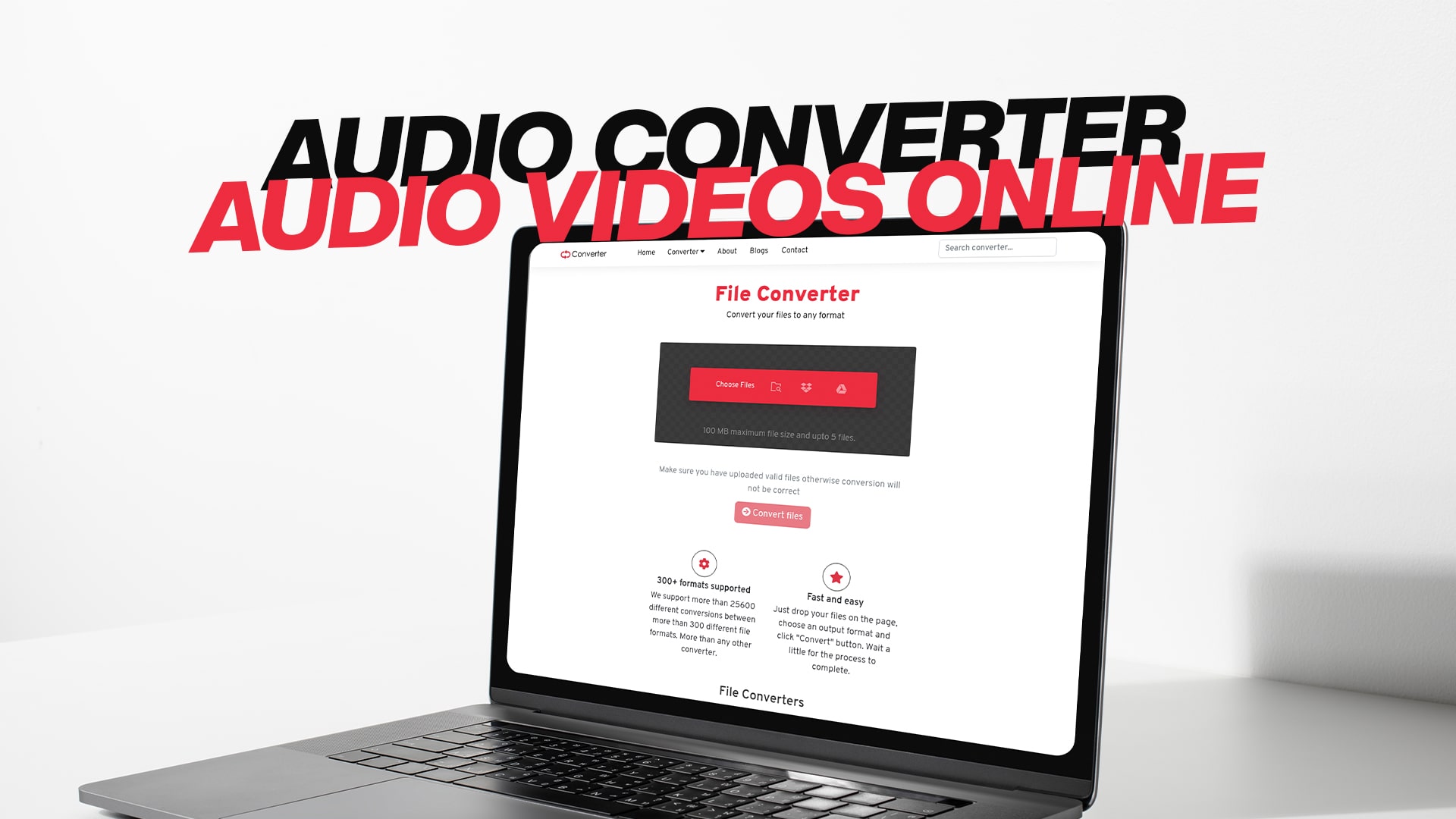
Audio Converter | Audio Videos Online
An audio converter is a helpful tool that changes your music files and sound recordings from one format to another. Think of it like changing the language of a book. The information stays the same, but it looks different. Audio converters help you when you have a song or voice recording in one type of file, but you need it in a different type.
Many people need audio converters for different reasons. Some people want to play their music on different devices. Other people need to make their files smaller so they do not take up too much space on their phone or computer. Some people work with sound for their job and need to change files regularly.
The good news is that you do not need to be a computer expert to use an audio converter. Modern tools make it very simple and fast. You can convert your files in just a few clicks. This saves you time and makes your work easier.
Understanding Different Audio Formats
Audio files come in many different formats. Each format has its own name and way of storing sound information. The most common audio formats are MP3, WAV, M4A, FLAC, and AAC.
MP3 is the most popular audio format in the world. Most people use MP3 files because they are small and work on almost every device. When you download a song from the internet, it is usually in MP3 format. Phones, computers, and music players all play MP3 files easily.
WAV is another common format, but it is much bigger than MP3. WAV files keep very high quality sound, but they take up a lot of space. People who work with music in a studio often use WAV files because the sound quality is excellent. If you want to record music at home, WAV is a great choice.
M4A is a format that Apple created. If you use an iPhone or iPad, you might see M4A files. This format gives you good sound quality while keeping the file size smaller than WAV. Many people like M4A because it is a good balance between quality and size.
FLAC stands for Free Lossless Audio Codec. This format keeps all the sound quality information without losing anything. FLAC files are bigger than MP3 but smaller than WAV. Musicians and sound experts like FLAC because it keeps perfect sound quality.
AAC is another format that sounds similar to MP3 but gives better quality at the same file size. Many online music services use AAC format. YouTube and other video websites often use AAC for their sound.
Why Convert Your Audio Files?
There are many good reasons to convert your audio files. The first reason is that different devices play different formats. If you have a song in WAV format but your phone only plays MP3, you need to convert it. Converting makes your files work with all your devices.
Another reason to convert is to save space. If you have many large audio files on your computer, they use a lot of storage space. By converting them to a smaller format like MP3, you can keep more files without running out of room. This is important if your computer or phone does not have much storage space.
Some people convert audio files because they need to use them for different things. If you are making a video, you might need your audio in a specific format. If you are uploading sound to a website, the site might want a certain type of file. Converting helps you do all these things.
Professional people who work with sound and music also need to convert files. A music producer might receive files in one format from a musician but need to use them in another format in their music software. A podcast maker might need to convert audio to make it work with their recording software. A video maker needs audio in the right format to match with videos.
Converting audio files also helps when you want to edit your sound. Some editing software only works with certain file types. By converting your audio to the format your software uses, you can edit it easily.
How Audio Conversion Works
Audio conversion is not magic, but it might seem like it when you do not know how it works. When you convert an audio file, the computer reads the information in your original file. Then it changes that information into a new format that other devices or software can understand.
Think of it like translation. Imagine a person speaking in Spanish who needs to talk to someone who only understands English. A translator hears the Spanish words and says the same thing in English. The message stays the same, but the language changes. Audio conversion works the same way.
When you convert audio, two main things can happen. In the first type, called lossless conversion, the sound keeps all its quality and information. This means the new file sounds exactly like the original. Lossless conversion is like making a perfect copy of a painting.
The second type is called lossy conversion. In this type, some sound information gets removed to make the file smaller. However, the sound still sounds good to human ears, even though some technical information is gone. This is like making a copy of a painting that looks the same but uses fewer colors.
Most people use lossy formats like MP3 because the file size is much smaller, and most people cannot hear the difference. But if you are a music professional who needs perfect sound quality, you might prefer lossless formats.
Advantages of Using an Online Audio Converter
An online audio converter is a tool you use on the internet. You do not need to download anything or install anything on your computer. This makes online converters very convenient and easy to use.
The biggest advantage of an online audio converter is that it works on any device. Whether you use Windows, Mac, or Linux, you can use the same online converter. It does not matter if you have a computer, tablet, or even a smartphone. Online converters work everywhere as long as you have internet.
Online converters are also much faster than old-fashioned methods. In the past, people had to use complicated software programs. They had to learn how to use the programs, which took a lot of time. Now you can convert files in just a few seconds with a few simple clicks.
Another great advantage is that you do not need any special computer skills. The tools are made to be very simple and easy. Even if you have never used a computer much, you can figure out how to use an online audio converter. The buttons are clear and the steps are simple.
Online converters also save space on your computer. You do not need to download big programs. This means you have more room for your files and photos. Your computer will also run faster because you are not running heavy software programs.
Online audio converters are usually free or very cheap. You can convert files without paying money. This is much better than buying expensive software that you might only use once or twice.
Converting Your Audio Files with Ease
Converting audio files is easier than many people think. The process usually takes just a few simple steps. First, you need to find a good online audio converter. You want to pick one that is easy to use and supports many different formats.
Once you find your converter, the next step is to choose your file. You usually do this by clicking a button that says "Choose File" or "Upload File." Then you look for your audio file on your computer and click on it. The file uploads to the converter website.
After you upload your file, you need to pick the format you want. The converter will show you all the available formats. You simply click on the format you want to change your file into. If you want to turn a WAV file into an MP3, you would click on MP3.
Some converters also let you change settings. You might be able to change the quality level or the speed of your audio. For most people, the normal settings work great. You do not need to change anything unless you have a special reason.
When you are ready, you click a button that says "Convert" or "Start." The converter then changes your file from one format to another. This usually takes just a few seconds, but bigger files might take a minute or two.
When the conversion is done, you can download your new file. The converter gives you a download link or button. You click it, and your new file downloads to your computer. Now you have your audio in the new format and ready to use.
Different Types of Files You Can Convert
While this article focuses on audio, Convertio offers much more than just audio conversion. You can also convert video files. If you have a video in one format and need it in another, you can do this online. This is helpful if you want to play a video on a device that does not support the original format.
Image files are another thing you can convert. Maybe you have a photo in PNG format but need it in JPG. Or you want to change a JPG to PNG or BMP. Online converters make this simple and fast.
Documents are also something you can convert. If you have a Word document but need it as a PDF, you can convert it. You can also change PDFs back to other formats if you need to. This is very helpful for work and school.
Some people need to convert ebooks. If you have an ebook in one format and your reading device wants another format, conversion helps. You can change between formats like EPUB, PDF, MOBI, and many others.
Compressed files, also called zip files, can be converted and worked with. Software files can also be handled. No matter what type of file you have, chances are good that you can convert it online.
The Benefits of Free Conversion Tools
Free conversion tools give you amazing power without costing any money. When you use a free tool, you can convert as many files as you want. There are no limits on how much you use it. This is perfect if you convert files regularly.
Free tools also mean you can try converting your files before you decide to buy anything. If you are not sure if you like how a conversion turns out, you can try it for free. Then, if you want to use it regularly, you already know it works well for you.
Another benefit is that you do not need to worry about subscriptions or payments. You do not have to remember to cancel anything or worry about being charged money. You simply use the tool whenever you need it.
Free conversion tools are also available to everyone. It does not matter if you are rich or poor, young or old, in your home country or another country. As long as you have internet, you can use these tools.
Steps to Begin Converting Your Files Today
- Starting your conversion journey is very simple. First, think about what files you need to convert. Do you have audio files that need to be in different formats? Do you have videos or images? Make a list of what you need to convert.
- Next, visit Convertio and explore the website. You will see that it offers many different types of conversions. Look for the conversion type you need. If you need audio conversion, look for the audio section.
- Read the simple instructions on the page. Most converters have clear steps that show you exactly what to do. The instructions are written in simple language so anyone can understand them.
- Click the button to choose your file from your computer. Find the file you want to convert and click on it. The file will be uploaded to the converter website.
- Choose the format you want your file to become. Look at the list of formats and pick the one you need.
- Click the convert button and wait. Most files convert very quickly. You will see a message when your conversion is complete.
- Download your new file. Click the download button and save your new file to your computer. Now you have your converted file ready to use.
Important Things to Know About Audio Conversion
When you convert audio files, the quality level matters. If you are converting music that you want to sound excellent, pick a high quality option. This makes your file a bit bigger, but it sounds much better.
If you are converting audio just to save space, you can pick a lower quality option. This makes the file much smaller, which is good if you are short on storage space.
Always keep your original file. After you convert a file, keep the original. This way, if you need it again, you still have it. You never know when you might need the original format.
Different devices support different formats. Before you convert a file, check what format your device needs. This saves you time and makes sure your converted file will work.
Check the file size after conversion. If your converted file is much smaller or much larger than you expected, something might have gone wrong. Most audio conversions should not change the size too much.
Making the Right Choice for Your Needs
Choosing the right audio format depends on what you are doing. If you want to play music on your phone or computer, MP3 is the best choice. It works on almost everything.
If you are a musician or sound professional, WAV or FLAC might be better. These formats keep very high sound quality, which is important for professional work.
If you use Apple products like an iPhone or iPad, M4A is a great choice. It works perfectly with Apple devices and sounds great.
If you need to upload audio to a website or social media, check what the site wants. Most sites want MP3 or M4A. Converting to what the site wants ensures everything works perfectly.
Conclusion
Audio conversion is a simple and helpful tool that everyone can use. Whether you need to change a music file format, make a file smaller, or prepare audio for a device or website, online conversion tools make it easy. You do not need special computer skills or expensive software. You just need access to the internet and a few seconds of your time.
Convertio offers free conversion for audio, video, images, documents, ebooks, software files, compressed files, and much more. The process is simple, fast, and available to anyone in the world. Start converting your files today and see how easy it is to work with different file formats. Your files will work on any device, and you will have more control over your digital content. Begin your free conversion journey right now and discover how simple file conversion can be.